Since flipbook technology has been gaining more and more popularity lately, there is no shortage of solutions to turn your PDFs into interactive HTML5 publications. But how do you find the best flipbook software among them? What features to look for and what pitfalls to avoid?
To simplify the task for you, we’ve made a list of the best online flipbook makers that exist in 2026. It will help you get a better idea of the market and find the software that suits your needs best.
Why Choose the Flipbook Format
A digital flipbook is an innovative way to present content online. You can create an online flipbook from a PDF in seconds and share it as a link anywhere you want, without having to send over a whole PDF file. Equipped with visual appeal, interactive elements, and smart features, an online flipbook is a great alternative to printed collateral and static PDFs alike.
Tips for Finding the Best Flipbook Software
Before you go on to compare the choices on our list, here are some general tips on how to make an informed decision about the flipbook software you want:
- Check reliability. Before committing to a solution, ensure it is stable enough to support your documents. Look for a status page on the software’s website with its uptime and incident reports.
- Consider interactivity. Adding interactive elements on top of your PDFs is what flipbooks are all about. So make sure the software offers the elements you need for your content: videos, animations, audio, expandable hotspots, or pop-up images.
- Study pricing plans. Take your time to compare the subscription packages that the software has and see which one suits your requirements and budget. Double-check the number of flipbooks you’ll be able to create and their maximum size.
- Decide on the number of seats. If you’re planning to use the software as a team, determine the number of accounts to buy, and look for a dedicated pricing plan. You'll want to choose a solution that has collaboration features to aid your shared projects.
- Research compatibility. Check if the digital flipbook software integrates with the other tools and publishing platforms you use to ensure a seamless flow of data. It can simply support an online automation tool like Zapier to connect applications without coding.
Top 5 Best Flipbook Software
All of the flipbook makers presented below are great at what they do—namely, creating flipbooks. But there are some distinctive features to each solution that make it better suited for different goals.

1. FlippingBook
💡 Best flipbook maker for: individuals and businesses of any size that want to create professional-looking, interactive catalogs, brochures, guides, e-books, and reports.
🤔 Something to consider: you can’t create documents from scratch—upload your ready-made PDF or transfer one over from Canva.
💰 Pricing: from $26/month, 14-day free trial.
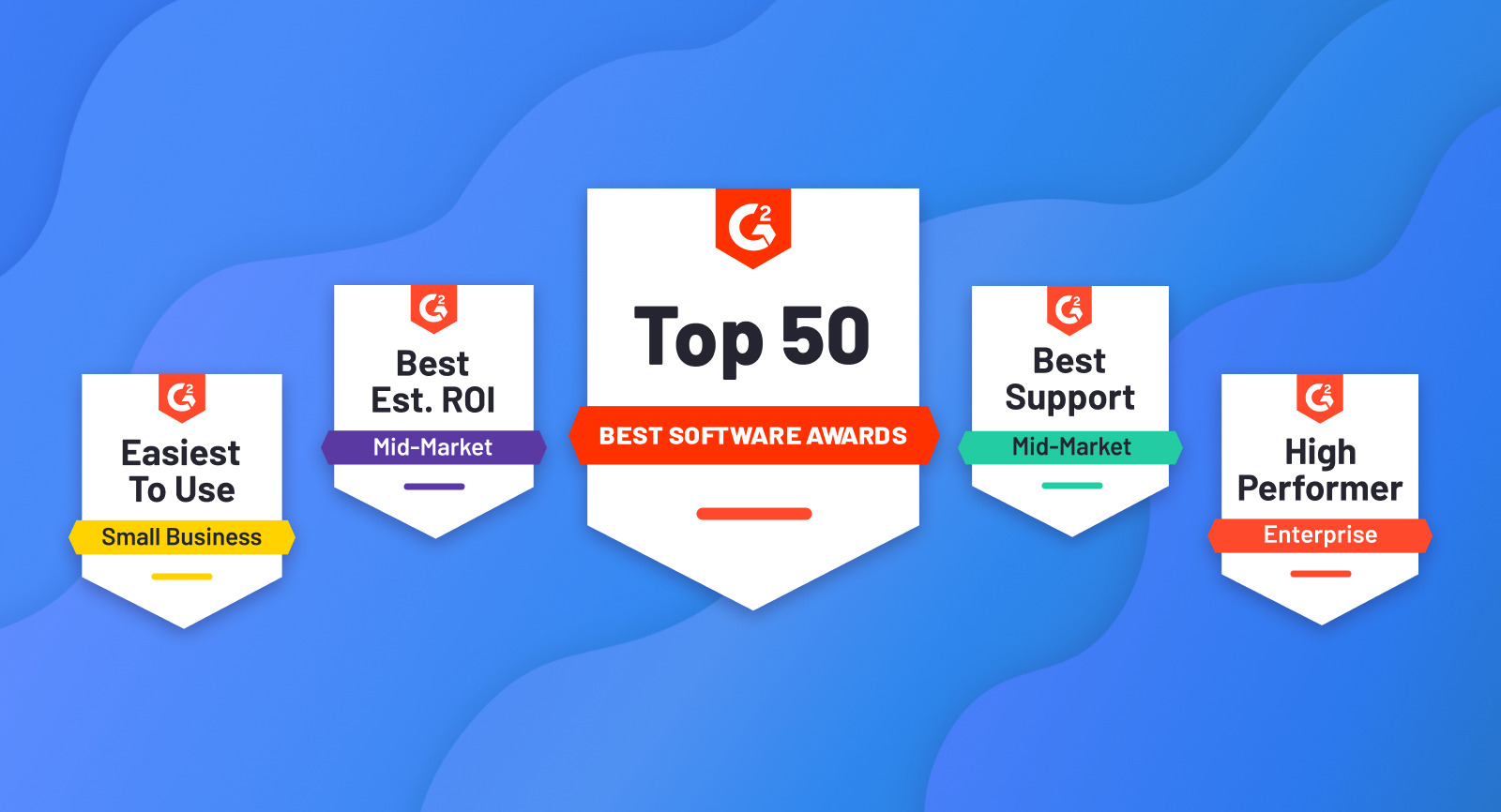
Professional online flipbook software, FlippingBook is among the leaders in the Flipbook software category on G2, one of the largest platforms where people can discover and review SaaS products. FlippingBook’s achievements include Easiest Setup, Fastest Implementation, Best Estimated ROI, and Best Support.
FlippingBook lets you create interactive content with an unrivaled, authentic reading experience to give your documents an engagement boost and stand out among competitors. Simply upload your PDF to FlippingBook and get an online publication with a real book feel, smooth page-flip effect, page thickness, and realistic shadows. And thanks to super clear text quality, your flipbook will be easy to zoom in on, no matter what device the reader uses.
What’s more, FlippingBook’s detailed statistics for each document, from unique views and viewers and geo stats to the number of downloads and time spent on the page, help you analyze readers’ activity to make your flipbooks even more impactful. You can test most of the features during your free trial.
Start creating interactive flipbooks today
FlippingBook Key Features
✨Interactivity
- FlippingBook brings your content to life with cool pop-up image galleries that are 81% more effective at capturing attention than static visuals.
- Tell your story with videos and enjoy 39% better engagement compared to traditional PDFs.
- With FlippingBook, you can add GIFs, infographics, and visuals to highlight key ideas and explain complex topics with ease.
- Add surveys and polls to your flipbooks to collect feedback and connect with readers directly inside the document.
✨Branding
- Keep your brand front and center with FlippingBook: add your logo and favicon to every flipbook, with the option to make your logo clickable and drive traffic to your website.
- Customize colors and backgrounds to match your brand style and create documents that are instantly recognizable.
- Use custom domains to turn ordinary links into branded URLs that readers trust and are more likely to open.
✨Reliability
- FlippingBook allows you to host your flipbooks on Amazon servers and enjoy reliable performance, with documents staying online 99.99% of the time.
- Count on a responsive support team at FlippingBook that has earned them a 9.3 rating on G2 for customer support, well above the industry average of 8.9.
✨Ease-of-use
- Get started quickly with FlippingBook thanks to an intuitive interface that’s easy to use from day one.
- Navigate flipbooks effortlessly with an interactive table of contents, thumbnails, text search, and multiple page-turning options.
- Even long documents, including 1,000-page catalogs, stay easy to explore, helping readers find what they need in seconds.
✨Canva integration
- FlippingBook and Canva integration lets you create clean, professional-looking PDFs in Canva and send them directly to your FlippingBook account, making it easy to publish polished flipbooks without design expertise.
- The direct Canva-to-FlippingBook workflow removes extra downloads and manual uploads, helping you save time and move from design to sharing faster.
⭐ Pro tip: Learn about the latest features in the FlippingBook Release Notes.

2. Publuu
💡 Best flipbook software for: individuals with the budget for the highest plan and the intention to have their own mobile app with flipbooks on Google Play.
🤔 Something to consider: limited branding and analytics, no collaboration features for teams.
💰 Pricing: from $14/month, 14-day free trial.
Publuu is a reliable flipbook creator that adds visual quality and interactivity to digital flipbooks. Compared to more complex solutions, it’s often appreciated for being easy to use. The platform works well for basic publishing needs and offers standard branding options along with essential analytics, which may be sufficient for individual creators or smaller projects.
However, it provides fewer options for advanced security controls, deeper audience insights, and integrations with business tools. It also does not support team collaboration. Taken together, this can be limiting for companies that use flipbooks as part of a broader content or marketing workflow.
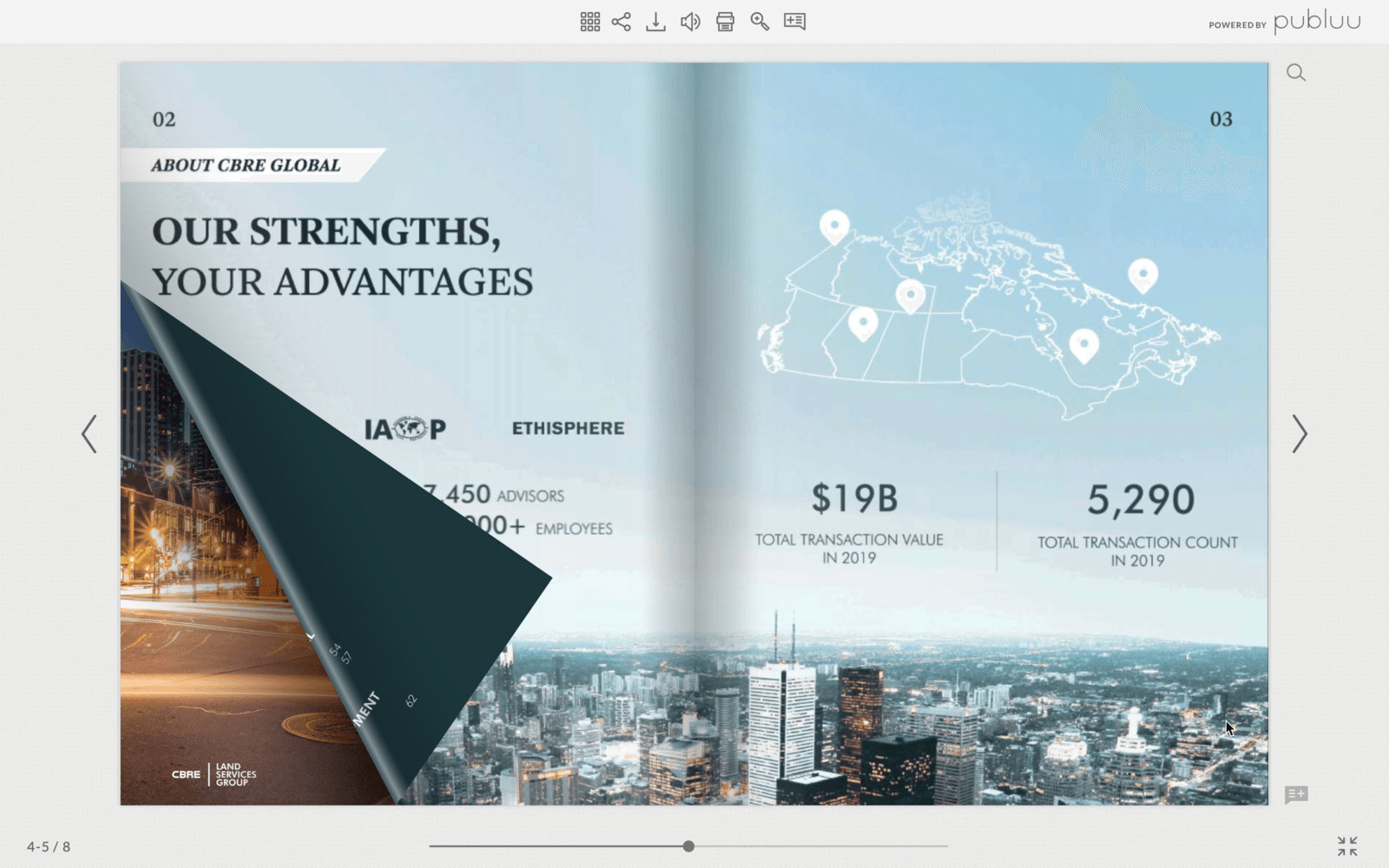
Publuu Key Features
✨Online publication hub
- Organize multiple publications in a sleek, digital display and personalize them with a unique logo, background, and custom URL.
- Add embedded videos, links, and animated hotspots.
- Share via direct links, social media, or website embedding.
✨Mobile app
If you want to give quick access to your flipbooks, but a bookshelf doesn’t sound like your cup of tea, maybe the mobile app option is for you. With Publuu’s Premium plan, you can create your own app to showcase flipbooks and share it on Google Play.
✨Reliability
According to reviews on G2, Publuu is praised by its clients for the responsive support team.
⭐ Pro tip: Comparing Publuu and FlippingBook? Discover why FlippingBook is the preferred choice for many brands.
 3. FlipHTML5
💡 Best flipbook software for: individual content creators and small businesses that want to profit from the content they produce
🤔 Something to consider: The tool's interface is complicated, with lots of menu settings; the final flipbook can look a bit clunky.
💰 Pricing: Paid plans start from $15/month, the lowest plan is forever-free.
FlipHTML5 covers various digital document needs, such as content distribution, brand awareness, and monetization. You can, for instance, share your publications as website embeds or social media previews, apply customization options, and display ads in your flipbooks with a Google AdSense integration. The converter works with PDF, PPT, Word, and JPG files, and turns them into mobile-friendly flipbooks.
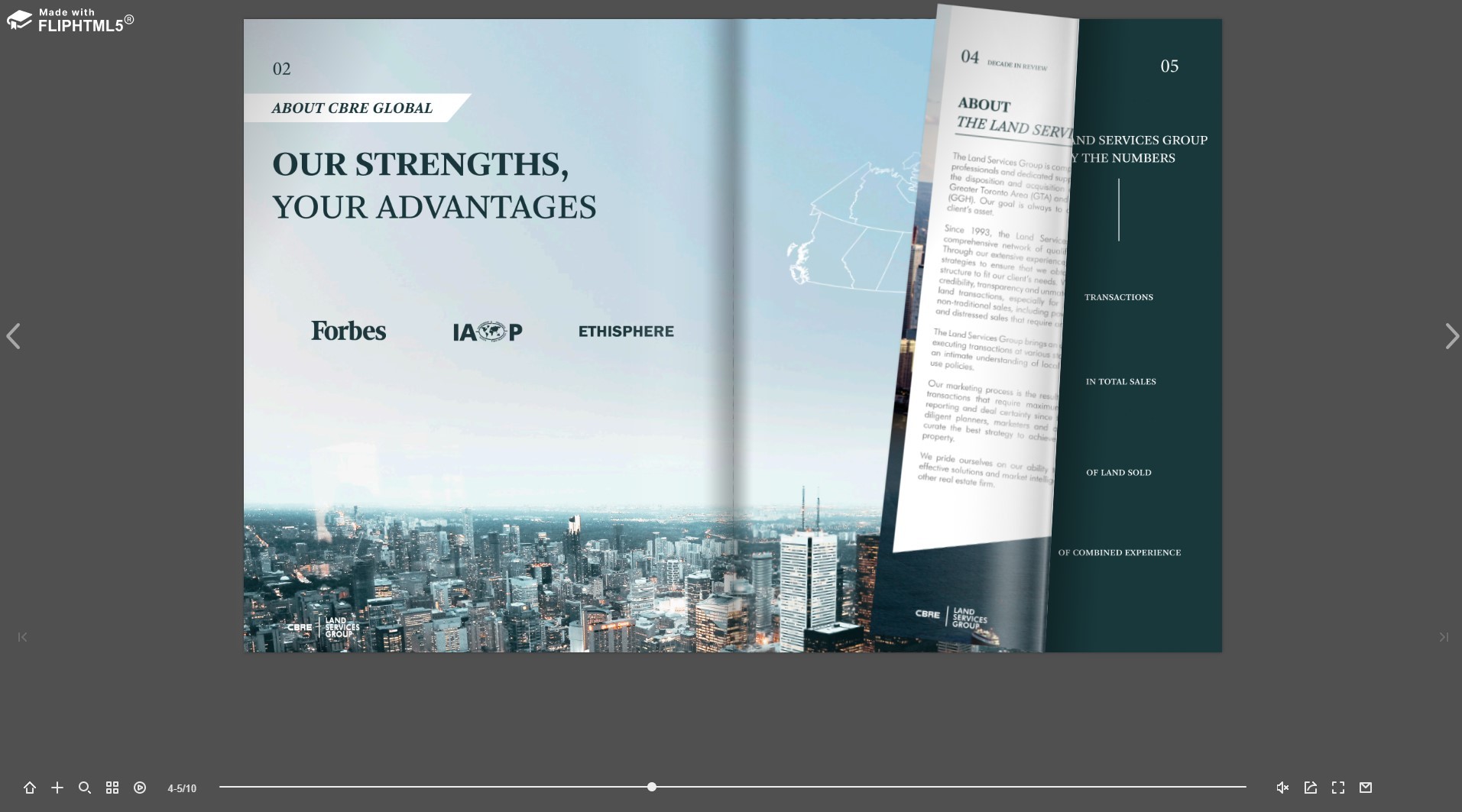
FlipHTML5 Key Features
✨Brand kit
With FlipHTML5, you can upload your own font and pick a certain color scheme to have the content match your media kit perfectly. Plus, add your background, logo, and custom domain.
✨Templates
You can choose from an extensive template library sorted by document types to streamline the creation process: including magazines, brochures, cookbooks, photo albums, and newsletters. Most of them are available for Enterprise users only, though.
✨Digital sales
- FlipHTML5 simplifies the process of selling & buying digital content with Stripe. No technical skill or middleman is needed.
- Publishers have seamless and fast set-up in minutes. (Available in 35+ countries).
- Readers make payments using their bank cards smoothly on any device. (Available in 180+ countries).
⭐ Pro tip: Exploring alternatives to FlipHTML5? Discover why FlippingBook stands out for business use.

4. Flipsnack
💡 Best flipbook maker for: retail marketers that want to automate the creation of product catalogs.
🤔 Something to consider: flipbooks may appear blurry when you zoom in; the free trial isn’t full-featured.
💰 Pricing: from $32/month, 14-day free trial.
Flipsnack is a solid flipbook maker. On the plus side, they have lots of customization features and smart templates for different kinds of publications—you can even design your flipbook right there. On the downside, this digital flipbook software doesn’t support vector graphics, so when you’re zooming in, both text and images look blurry.
As almost any other online flipbook software on our list, Flipsnack offers a free trial. However, you’ll find that you can’t test several crucial customization features, such as branding, lead form, and menu controls, during the trial. And while you can test its content editor’s features, such as video or link embedding, you can’t save the changes. Hence, there’s a limit to what you can actually try out before you have to pay—the flipbook you’ll publish during your trial won’t have either design or interactivity to help you evaluate its potential.
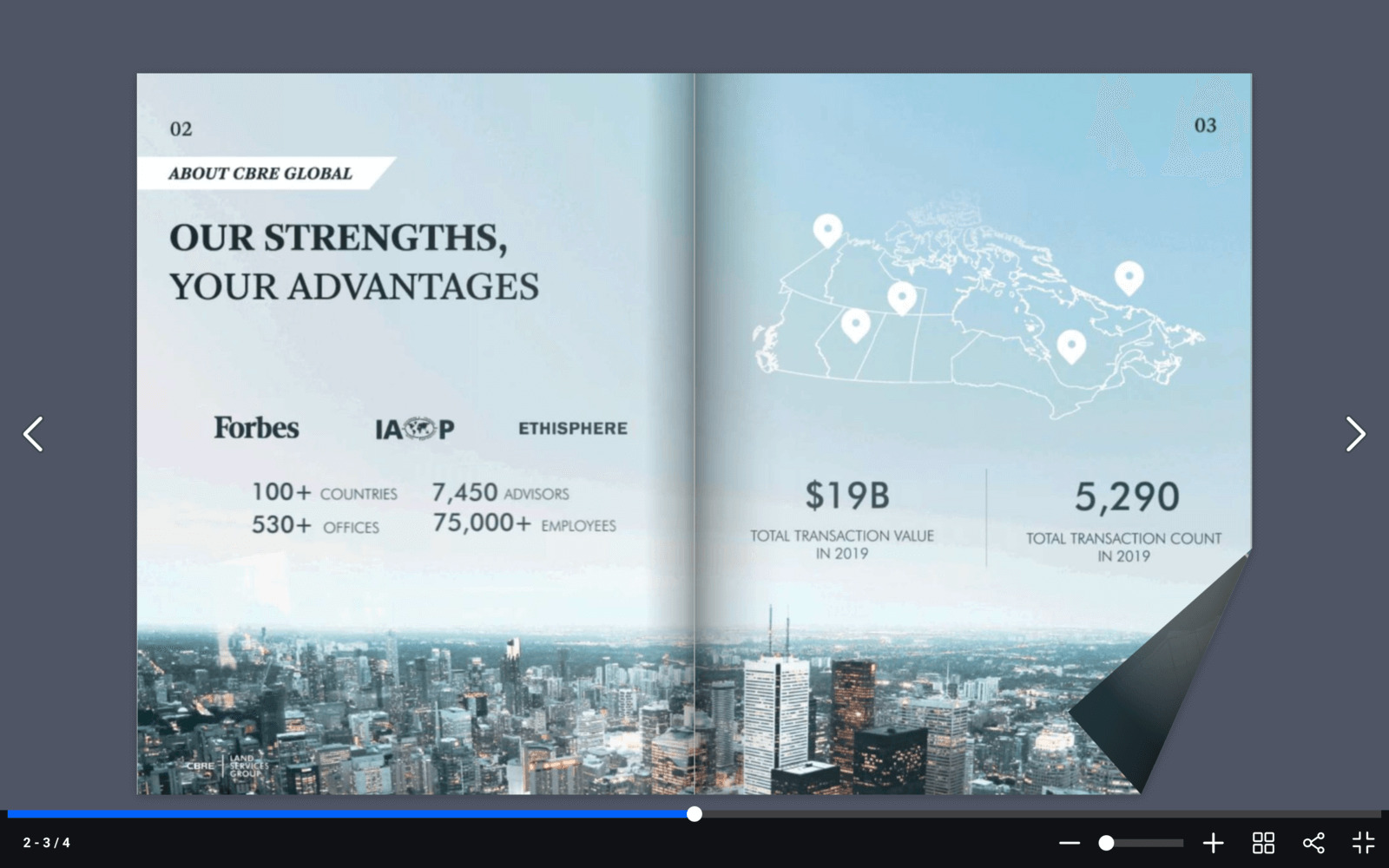
Flipsnack Key Features
✨Design tool
If you don’t have a PDF to go with, Flipsnack offers their own templates to customize and create your digital document from scratch. Sure, it’s no Adobe Acrobat or Canva but it’s simple and requires no third-party apps, so it can be a really handy tool for swift PDF creation.
✨Catalog automation
Flipsnack’s Beta Automator makes catalog production easier. You can connect various data sources (for example, a Google sheet with tags and prices) to your Flipsnack catalog, create smart fields there, and then just drag and drop products from your source. A real time-saver for a wholesale or retail marketer!
✨Shopping lists
Another neat feature that makes Flipsnack a good match for a digital marketer is shopping lists. Going through a Flipsnack catalog, a reader can add the items they like to a shopping list without leaving the flipbook. Once they’re done, they can import it and send it to you as a PDF quote.
⭐ Pro tip: Looking for Flipsnack alternatives? Check out the reasons why brands choose FlippingBook over Flipsnack.

5. Issuu
💡 Best online flipbook maker for: individuals that want to share and monetize their content on social media.
🤔 Something to consider: third-party ads next to your content.
💰 Pricing: from $29/month, 14-day free trial.
One of the popular flipbook creators, Issuu is powerful flipbook software with a monetization option. The quality of publications and the ability to create magazine subscriptions make Issuu a good solution for e-commerce publishing.
Still, there are some downsides to this PDF-to-flipbook software. Unlike other solutions on the list, Issuu has a free plan that allows for unlimited number of flipbooks, however, the deal is not as sweet as you may imagine. Unless you’re on their Premium plan, Issuu will show third-party ads in and around your Issuu publications, which can be overbearing. Check out some Issuu alternatives if you're looking for other features for your flipbook software.
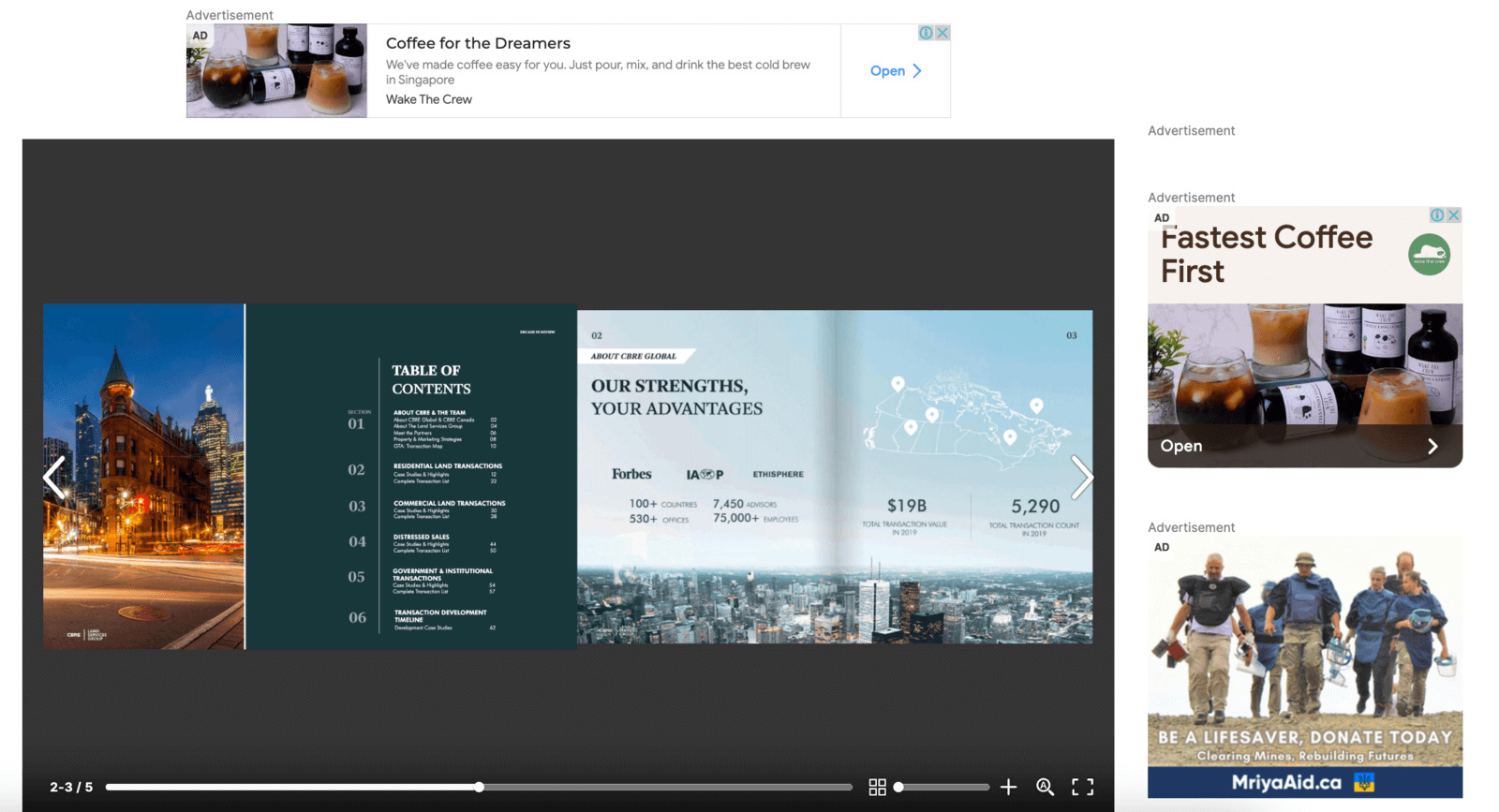
Additionally, Issuu’s file convertor, while in general creating high-quality flipbooks, can be a bit glitchy and misinterpret the number of pages in your file. In the example above, the converter wrongly recognized pages 2-3 and pages 4-5 of the document as one page spread.
Issuu Key Features
✨Exposure
Issuu is a social media platform of flipbook solutions. If you’re sharing your flipbooks publicly, other people can find your profile and read them and, vice versa, you can easily browse through other creators’ content as well. All publications on the platform are sorted by categories, such as Business, Education, Hobbies, etc., to make navigation easier. Issuu also offers tools that allow you to create social posts and digital articles from the content of your flipbook. So if SMM is your gem, Issuu is for you.
✨Digital sales
If you’re publishing content online and struggling with monetization, Issuu may be the solution to your challenge. Its digital sales tool provides the opportunity for a digital publisher to sell access to their content by issues or as an ongoing subscription.
✨Templates
To help you with creating professional-looking online documents, Issuu provides customizable templates for different kinds of digital publications. To use a template, you need to download it, edit it in a compatible editing software, and then upload it to your Issuu account.
⭐ Pro tip: Read more about Issuu's main features and the best Issuu alternative you can switch to.
This is our list of the best flipbook software, 2026 edition. We hope you’ll find the one that works best for you!