

 FlippingBook Publisher
 FlippingBook Automation
 Salespal
Managing Your Account Settings 🆕
 Product: FlippingBook Online
This article walks you through the settings in your personal account and how to use them. You’ll learn how to manage your account details, subscription, team access, and advanced features like PDF conversion and API access. Use the sections below to find the settings you need.
Account
Plan and billing
Account
Profile
Use the Profile section to update your login credentials, manage your personal and company information. To change your login information or reset your password, click Change Email, Change Password, or Forgot Password: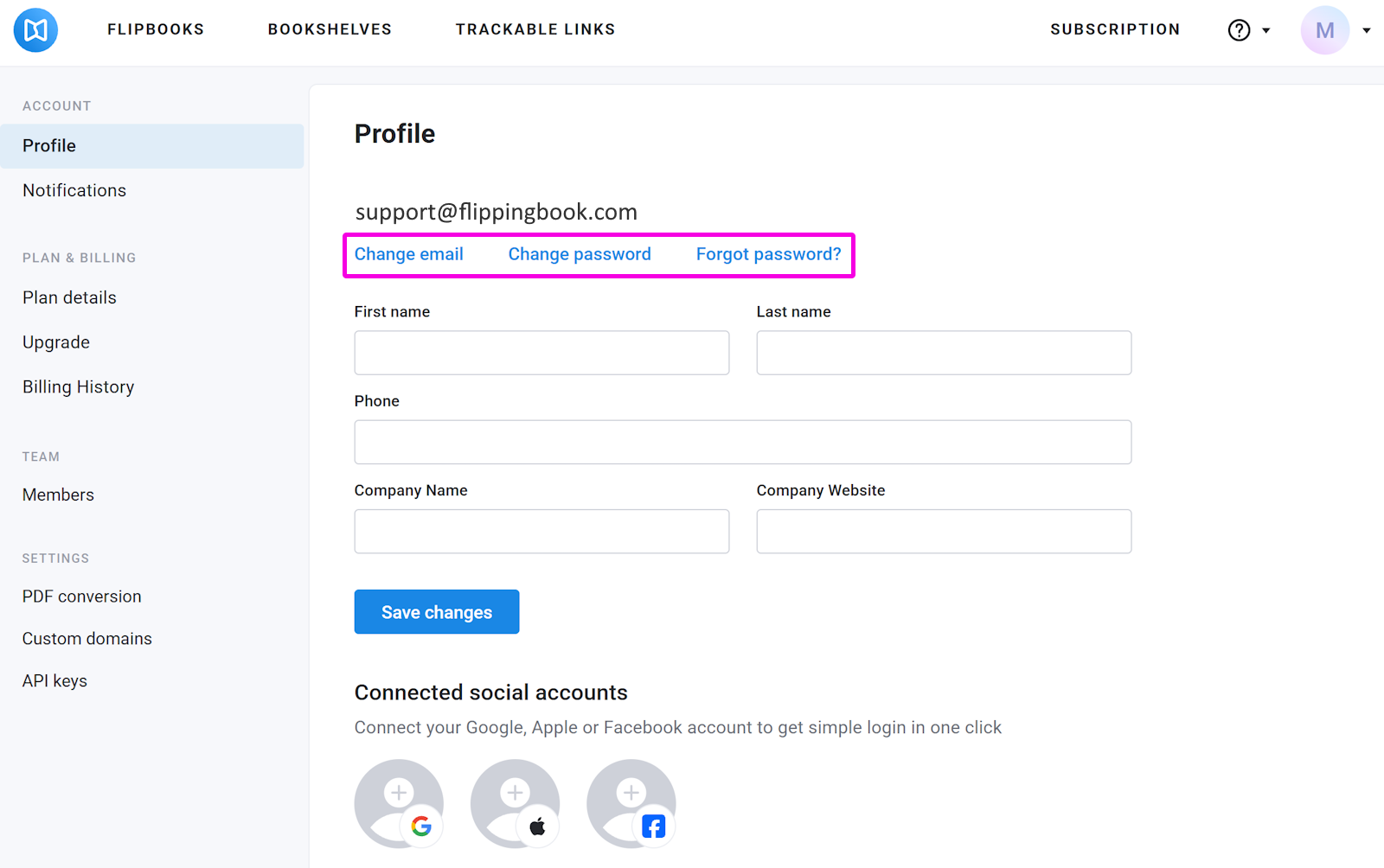
Once you've updated your email address or password, press Save to apply changes.
You can also update your first name, last name, phone number, company name, and company website to keep your account information up to date. Just enter the latest information in the fields below and press Save changes.
To simplify sign-in, you can connect your Google and/or Apple, Facebook account to your FlippingBook account. Click the Google, Apple or Facebook icon, enter your credentials, and select Log In to complete the connection.
Once connected, you'll be able to sign in to your FlippingBook account using Google, Apple or Facebook.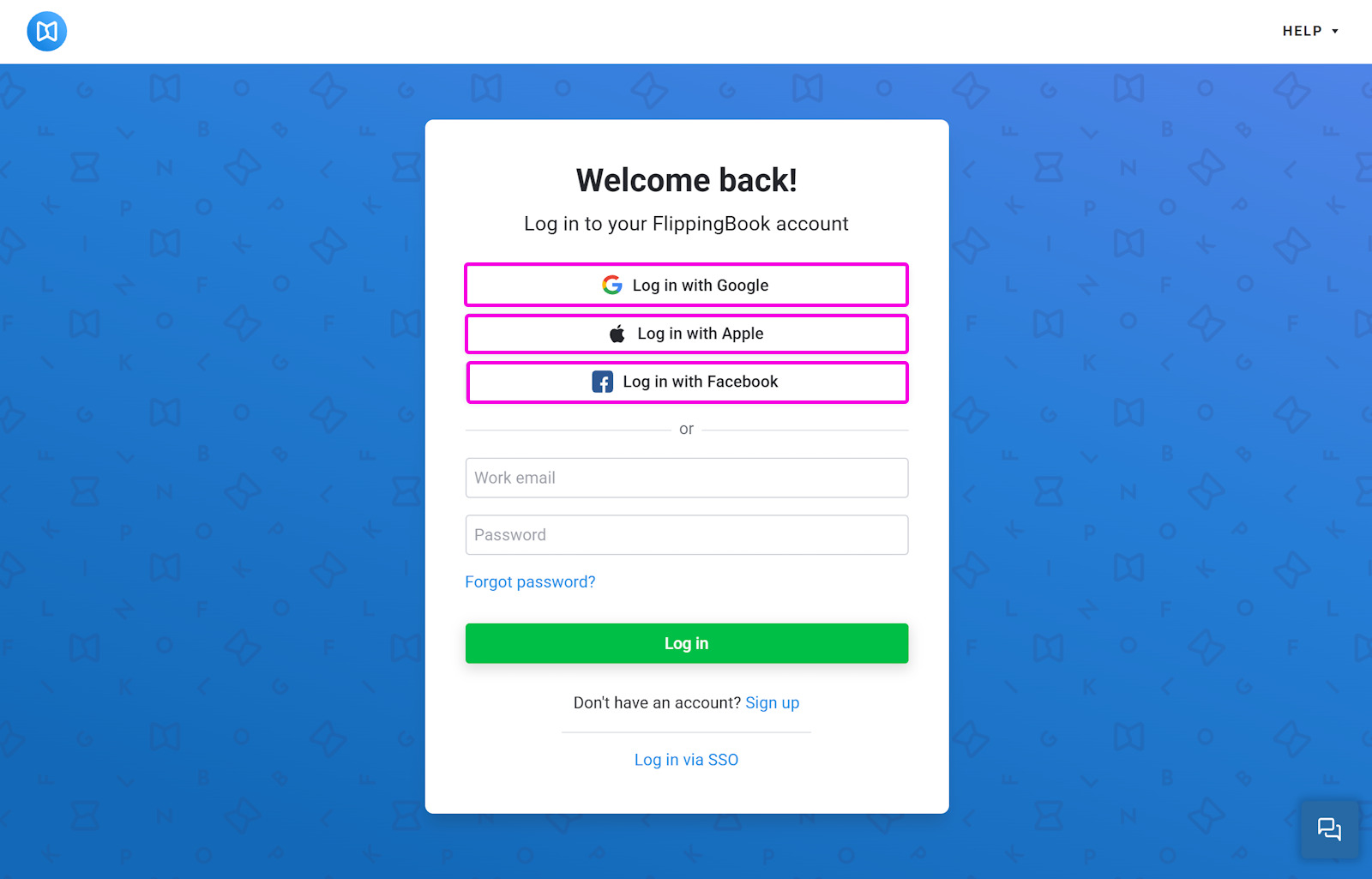
Notifications
This section allows you to manage the messages you’d like to receive from FlippingBook. Here are the notification options you can select:
- Flipbook is created/updated - get an email every time you create a new flipbook or replace the PDF in an existing flipbook.
- Weekly stats report - get a weekly summary of your publication performance and analytics.
- Marketing emails - stay informed about new features, product updates, tips, and special offers from FlippingBook.
Select the options you want to receive and press Save changes.
Plan and billing
Plan details
The Plan details section will show your subscription details such as:
- your current subscription status
- your current plan
- costs of your plan and billing interval
- your next billing date
- your billing history
- your payment method
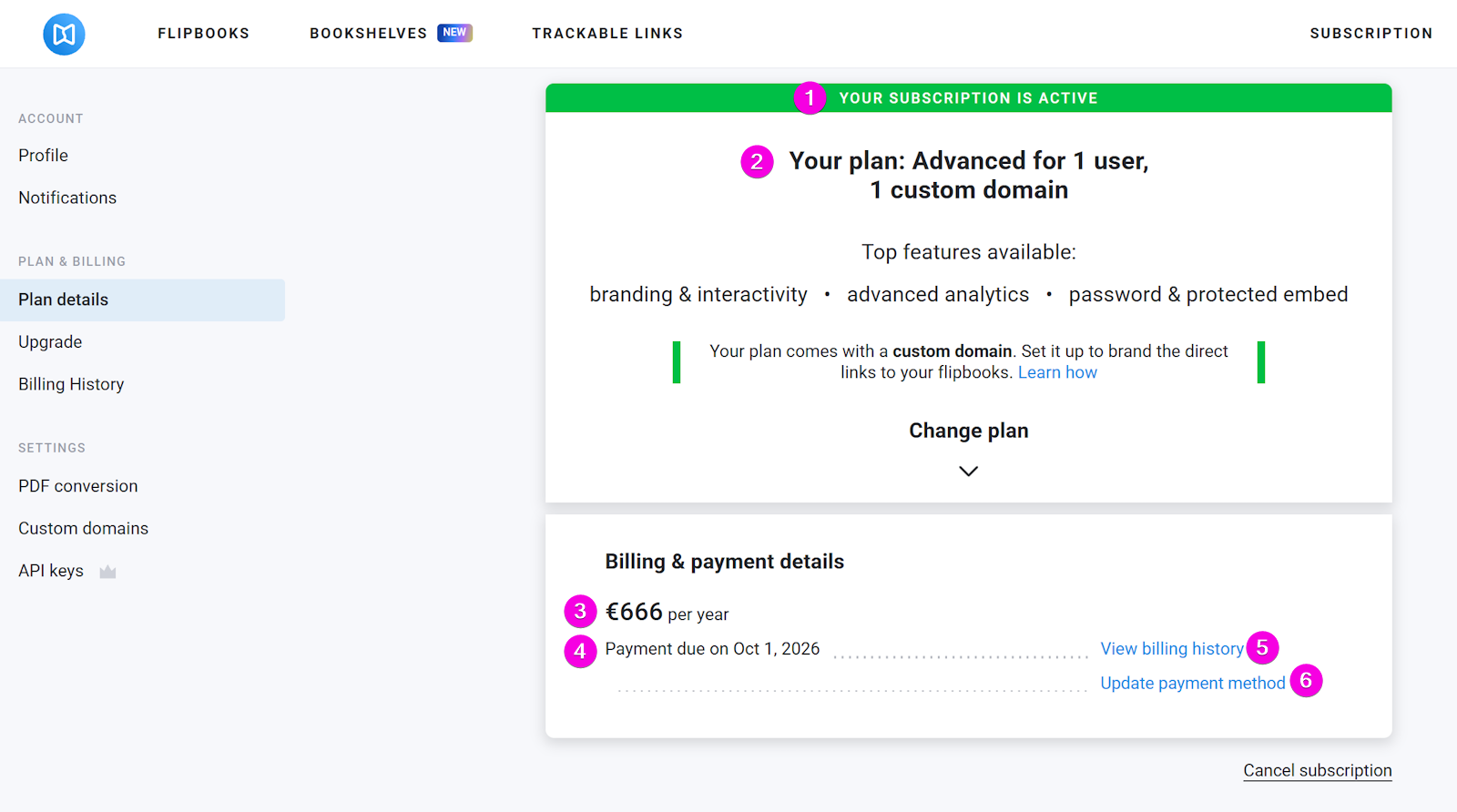
You can find more information about the subscription page in the article Where can I see my invoices and subscription data?.
Upgrade
After you have been using FlippingBook Online for some time, you may find that you need more functionality or create more flipbooks than your current plan allows. In this case you will need to upgrade. Note that this option is available when your subscription is active. Once you click the Upgrade section, you’ll see the plans available for you to upgrade. You can review available plans, compare features, and upgrade to unlock additional functionality.
More information about it is available in our How can I upgrade or downgrade my license? article.
Billing History
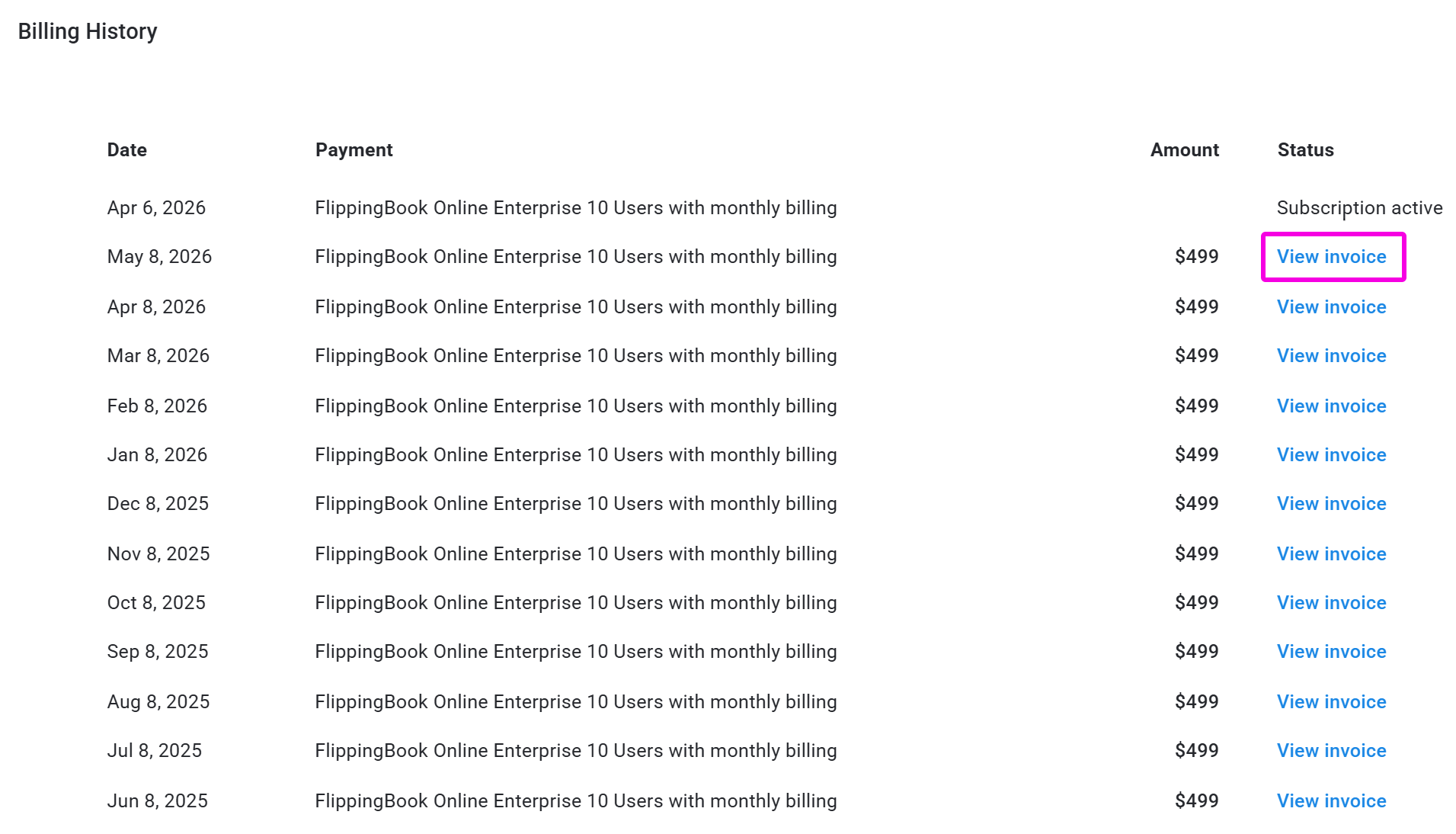
The billing history section shows your subscription, its status, all your past payments and invoices. The first row contains the name of your subscription and its status. Below that row, you'll find all the invoices related to that subscription. Click View Invoice to download your invoice as a PDF.
Team
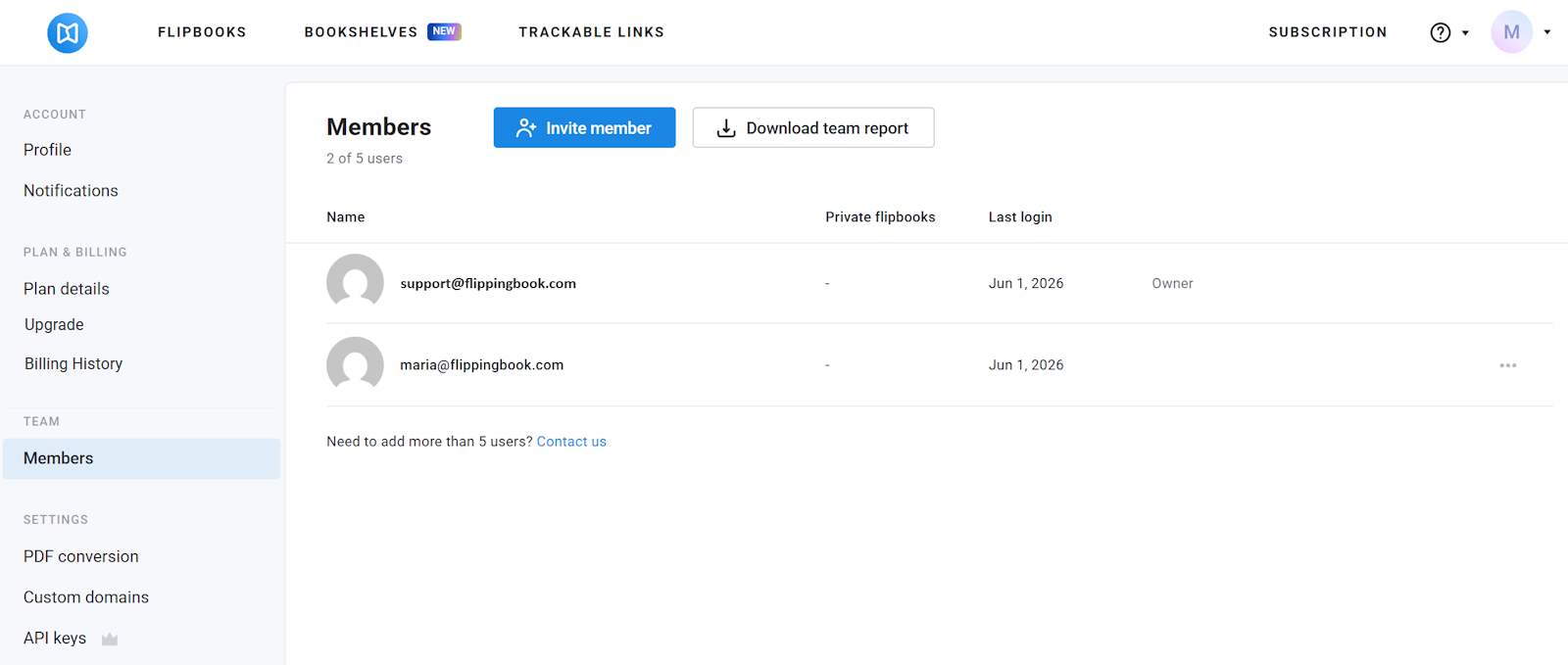
Members
The Members section is available to admins on the Team and Enterprise plans. It shows everyone who has access to your account. Admins can invite new members, manage permissions, or remove members. You can learn more about it in our article Managing users in the Team plan.
Single sign-on (SSO)
This section is available on the Enterprise plan. Single sign-on (SSO) allows you to sign in using your organization’s login system. Once enabled, you’ll be able to log in to your FlippingBook Online account via SSO.
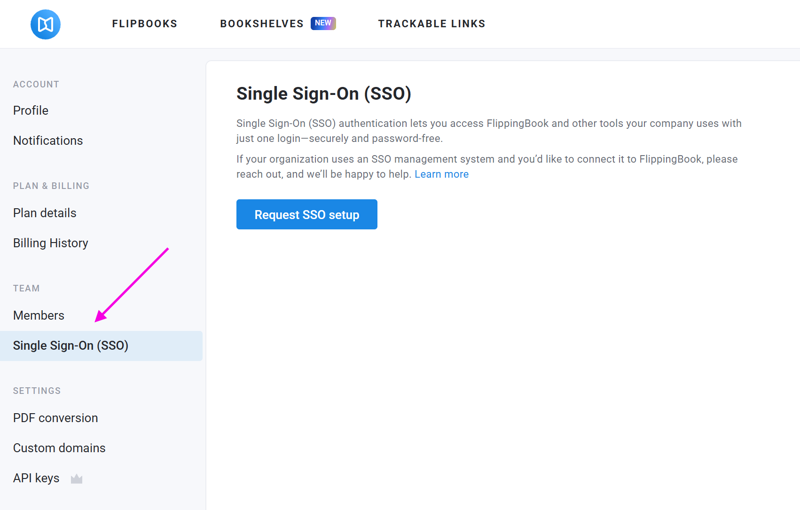
To learn more about this feature, take a look at our Single sign-on for FlippingBook Online article.
Settings
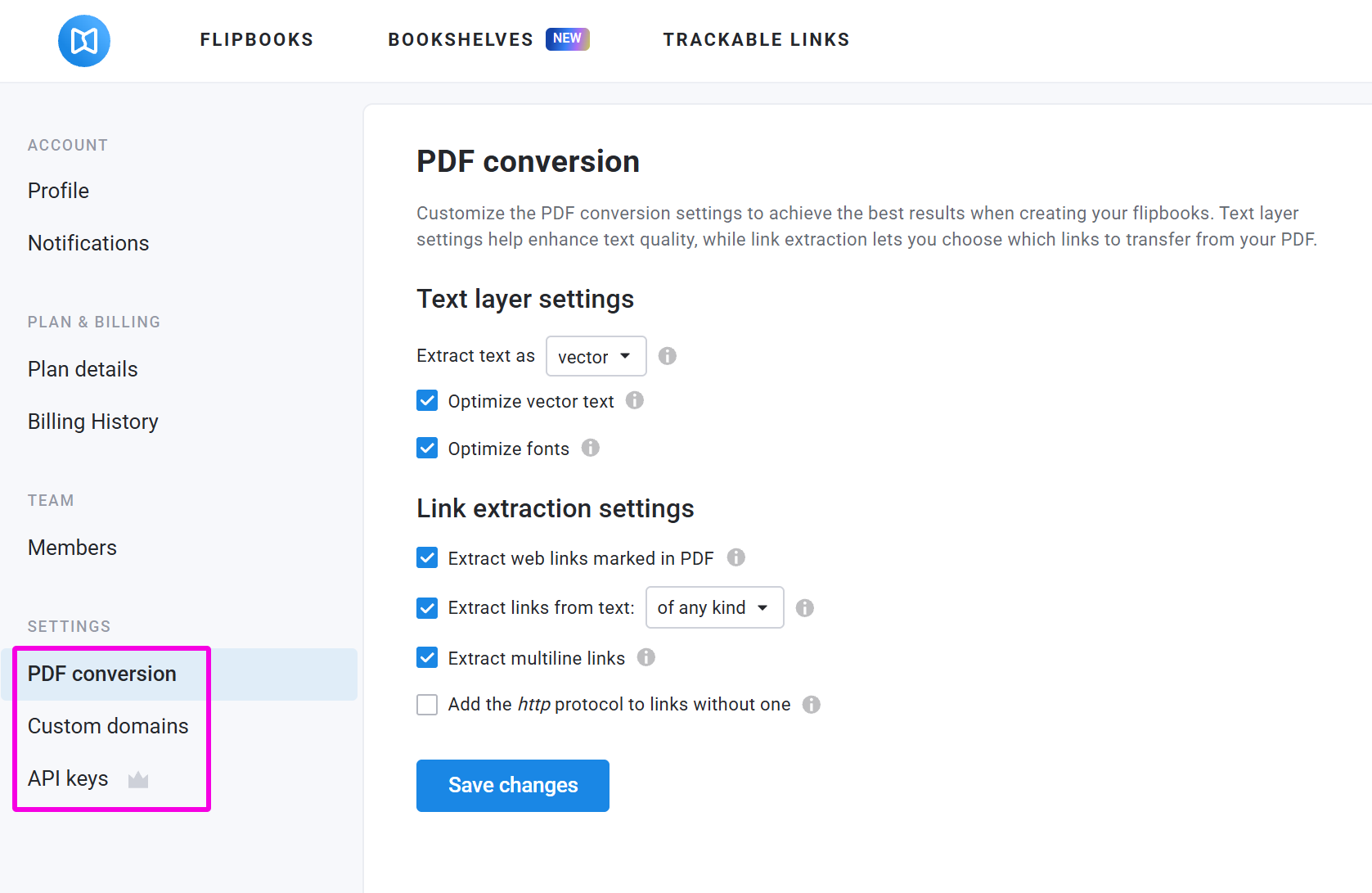
PDF conversion
PDF conversion settings let you control how PDF files are turned into flipbooks. You can adjust the text layer settings and link extraction quality to achieve the best results. Don’t forget to click Save changes to apply the new setting to future conversions.
The available PDF conversion options are:
- Text layer settings. Learn about them in our article How to use text conversion settings?
- Link extraction settings. You can read the details about these settings in our article How to change how links are extracted from your PDF?
Custom domains
In Custom Domains, you can send a request to replace the standard online.flippingbook.com part of your flipbook link with your own domain.
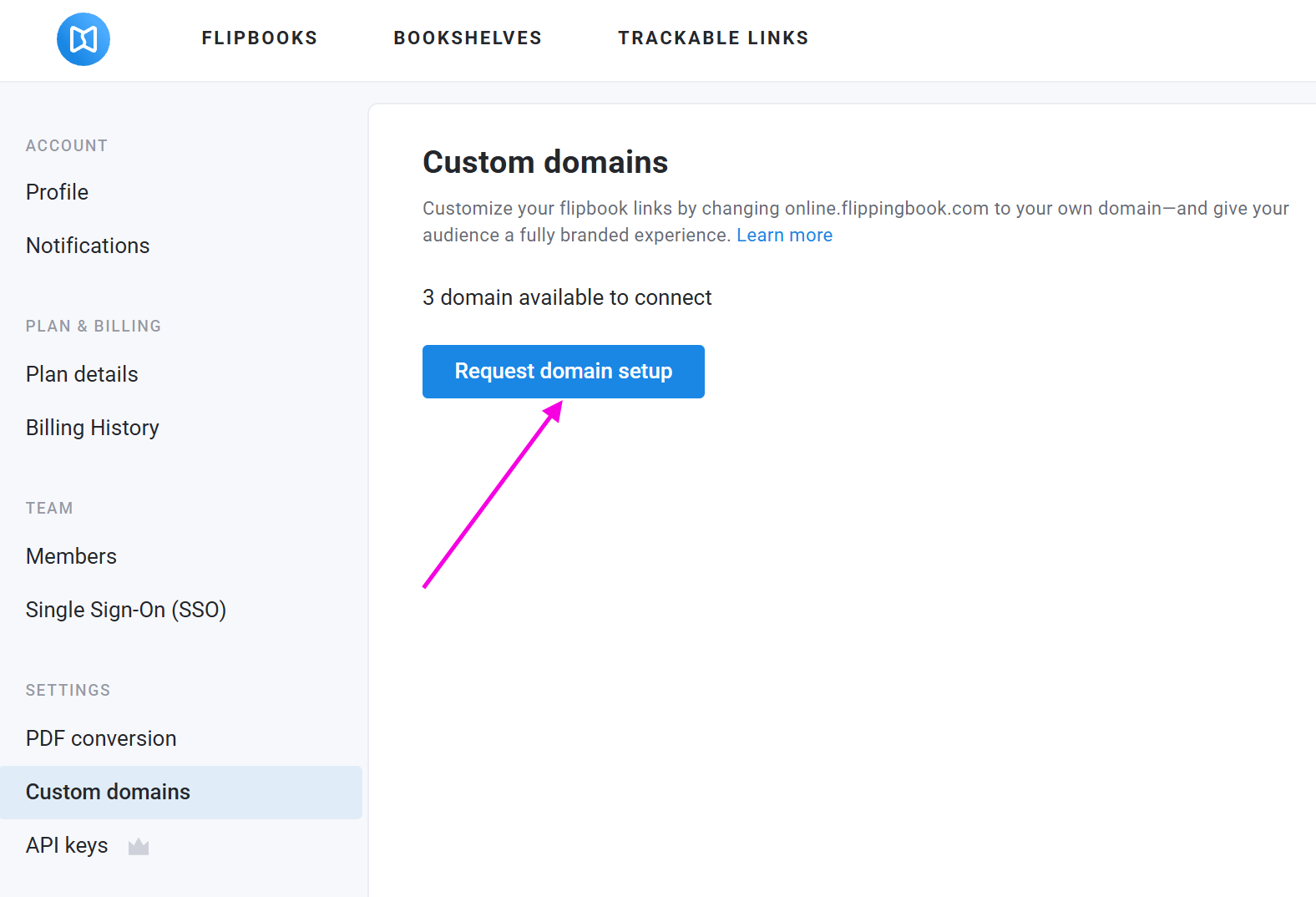
This option works for Advanced and higher plans. In case you have a lower plan and you want to change your domain, you’ll need to upgrade first.
For more information, check our Can I change online.flippingbook.com to my own domain? article.
If you’ve already set up your custom domains, they’ll appear in a list on this page. You can also purchase additional domains here if needed.
API keys
An API key provides secure access to FlippingBook from your other apps. It lets you create and update flipbooks, process leads, track links, and automate workflows. This section is available in Advanced and higher plans.
We explain how to obtain and manage API keys in the relevant article here.


