Most companies do not have a document storage problem. They have a document flow problem.
Files live in shared drives, inboxes, project tools, desktop folders, and cloud apps. A contract gets revised three times and nobody is sure which version is current. A proposal is sent, but the sales team cannot see whether the client opened it. A policy document exists somewhere, but staff lose time trying to find it. The result is friction that feels small and grows expensive over time.
That is why digital document management matters. In one McKinsey analysis, knowledge workers spent roughly 20% of the workday searching for and gathering information. Security matters too: IBM's 2025 Cost of a Data Breach report puts the global average cost of a breach at $4.4 million. Those numbers help explain why businesses are moving beyond basic file storage and looking for tools that can organize, protect, route, and measure document use.
In this guide, we will look at the main types of digital document management tools, the features that matter most, and the best tools for different use cases. We will also show where FlippingBook fits, because client-facing documents often need something different from a traditional document repository.
What Are Digital Document Management Tools?
Digital document management tools are systems that help businesses store, organize, retrieve, control, share, and sometimes automate the movement of documents.
That definition sounds broad because the category itself is broad. Some tools are built for governance and internal control. Some are built for approvals and repeatable workflows. Others focus on secure external sharing. And some are designed to turn static documents into better online experiences.
Document management is not the same thing as dumping files into cloud storage. A strong setup gives teams more structure and control:
- Easier search and retrieval through indexing, metadata, and clearer filing logic.
- Version history that reduces confusion and protects against accidental overwrite.
- Permission controls and audit trails that help teams protect sensitive material.
- Workflow routing, integrations, and analytics where the document process needs them.
It starts to look like core infrastructure when your business depends on documents such as:
- Contracts, policies, and compliance files.
- Proposals, reports, brochures, and other sales collateral.
- Employee handbooks, HR paperwork, and onboarding materials.
- Documents that move through multi-step reviews, approvals, or sign-off processes.
Types of Digital Document Management Tools
Not every tool in this market solves the same problem. Grouping them by category makes the buying process much easier.
DMS platforms
These are the classic document management systems. Their job is to keep business content organized and controlled at scale. They usually focus on central storage, access permissions, search, metadata, versioning, and auditability. This is the right category when you need a single place to manage large volumes of internal business documents with consistency.
Document workflow automation tools
These tools focus on moving documents through repeatable business processes. Think invoice approvals, onboarding packets, contract routing, policy sign-off, and records retention. In practice, there is often overlap between DMS and workflow software, but workflow-first tools stand out when the priority is reducing manual steps and keeping work moving.
Secure document sharing tools
These are built for controlled access across teams, partners, or clients. They matter when you need to send files outside your organization without losing control over who can open, download, edit, or forward them. Features such as password protection, link expiration, and granular permissions are especially important here.
Interactive document tools
This is the category that often gets missed in generic roundups. Some business documents are not just meant to be stored or approved. They are meant to be presented. Sales proposals, brochures, reports, benefit guides, marketing collateral, and client updates all fall into this group.
That is where FlippingBook fits. Rather than acting like a traditional repository, it turns PDFs into branded, interactive online documents that are easy to share as links, embeds, or digital bookshelves. It also gives teams a practical way to keep outward-facing materials organised online and update them without repeatedly resending attachments. For teams that care about presentation, shareability, and reader engagement, interactive documents deserve their own category.
Key Features to Look For
The right feature set depends on your use case, but a few capabilities matter almost every time.
🔍Search and indexing
If people cannot find the right file fast, the system will never feel useful. Good search is often the first real win users notice.
🔐Access controls
Document access should reflect role, sensitivity, and context. Look for clear permission levels, not vague all-or-nothing sharing.
🕓Version history
This is one of the quiet heroes of good document management. Version history reduces confusion, protects against accidental overwrite, and helps teams work with confidence.
⚙️Workflow automation
If your documents move through repeatable steps, automation saves time and reduces error. Routing, approvals, alerts, and retention logic all fall into this bucket.
🔗Integrations
A document tool rarely lives alone. It needs to connect cleanly with the rest of your stack, whether that is Microsoft 365, Google Workspace, CRM tools, e-signature software, or internal systems.
📊Analytics
This matters more than many buyers expect. Internal platforms may only need audit logs and activity history. Client-facing documents often need something different: view data, time spent, click activity, and individual link-level insight.
📤Sharing options
A modern tool should make it easy to share documents in the right format for the job. That could mean controlled file access, secure external links, or an embedded experience on your site. For outward-facing content, ease of access is often half the battle.
Best Digital Document Management Tools by Use Case
There is no single best document management tool for every company. The better question is: best for what?
🏢 Best for enterprise document control: Microsoft SharePoint
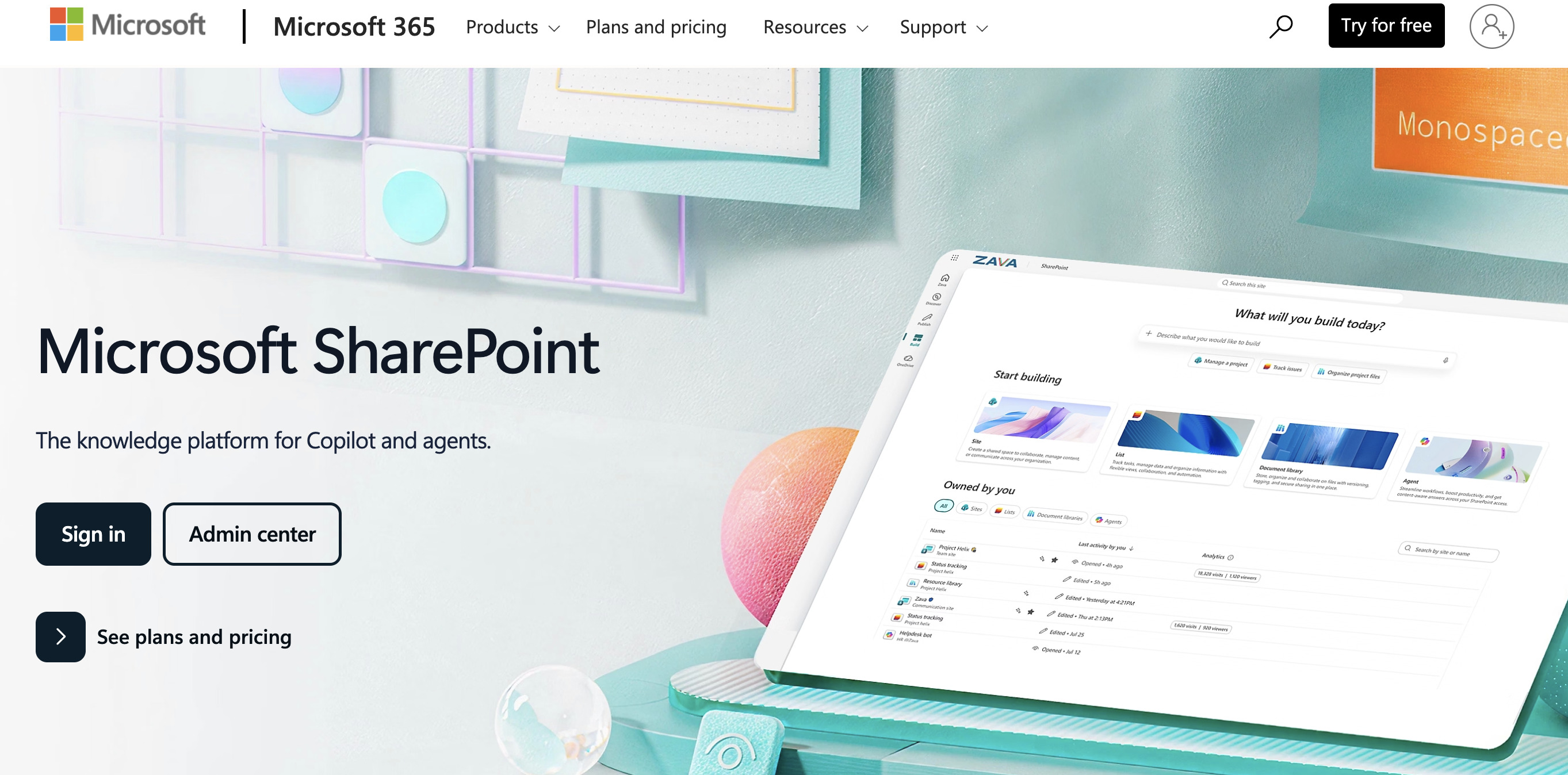
SharePoint remains a practical choice for organizations that need a familiar, enterprise-ready environment for internal document libraries, permissions, collaboration, and version control. It is especially useful for companies already working inside Microsoft 365. If your priority is internal structure, controlled collaboration, and broad organizational fit, SharePoint is a sensible place to start.
⚙️ Best for document workflow automation: DocuWare
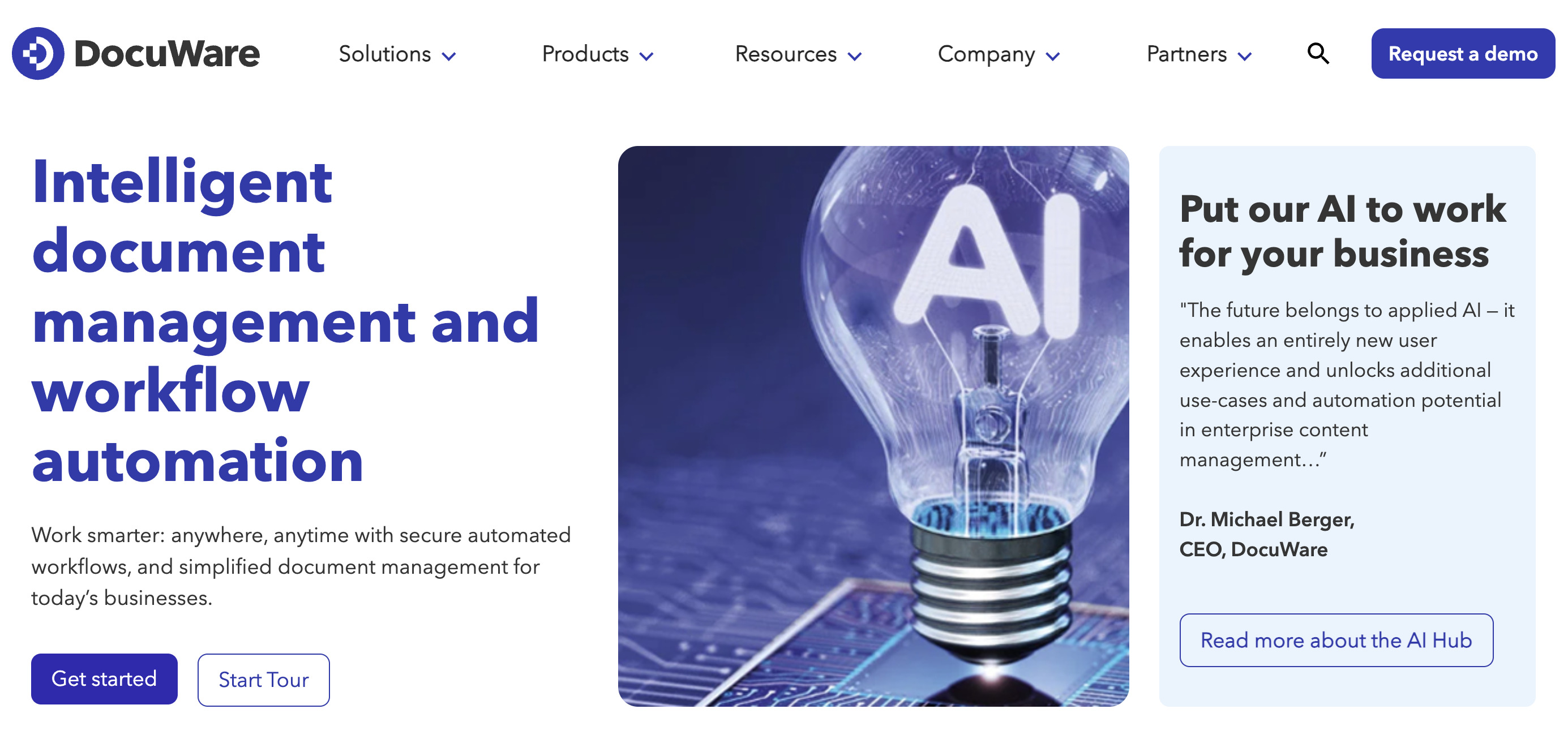
DocuWare is a strong fit when the real pain point is process. If documents need to be captured, routed, approved, archived, or deleted according to rules, workflow automation becomes the headline feature. This kind of tool earns its keep by cutting manual follow-up and standardizing how work moves.
🔐 Best for secure document sharing: Box
Some teams need a secure, user-friendly way to share files with people inside and outside the business. Box stands out here because it combines sharing flexibility with controls such as permissions, password protection, and link expiry. That balance is valuable when documents are sensitive but still need to move quickly.
⭐ Best for client-facing and externally shared documents: FlippingBook
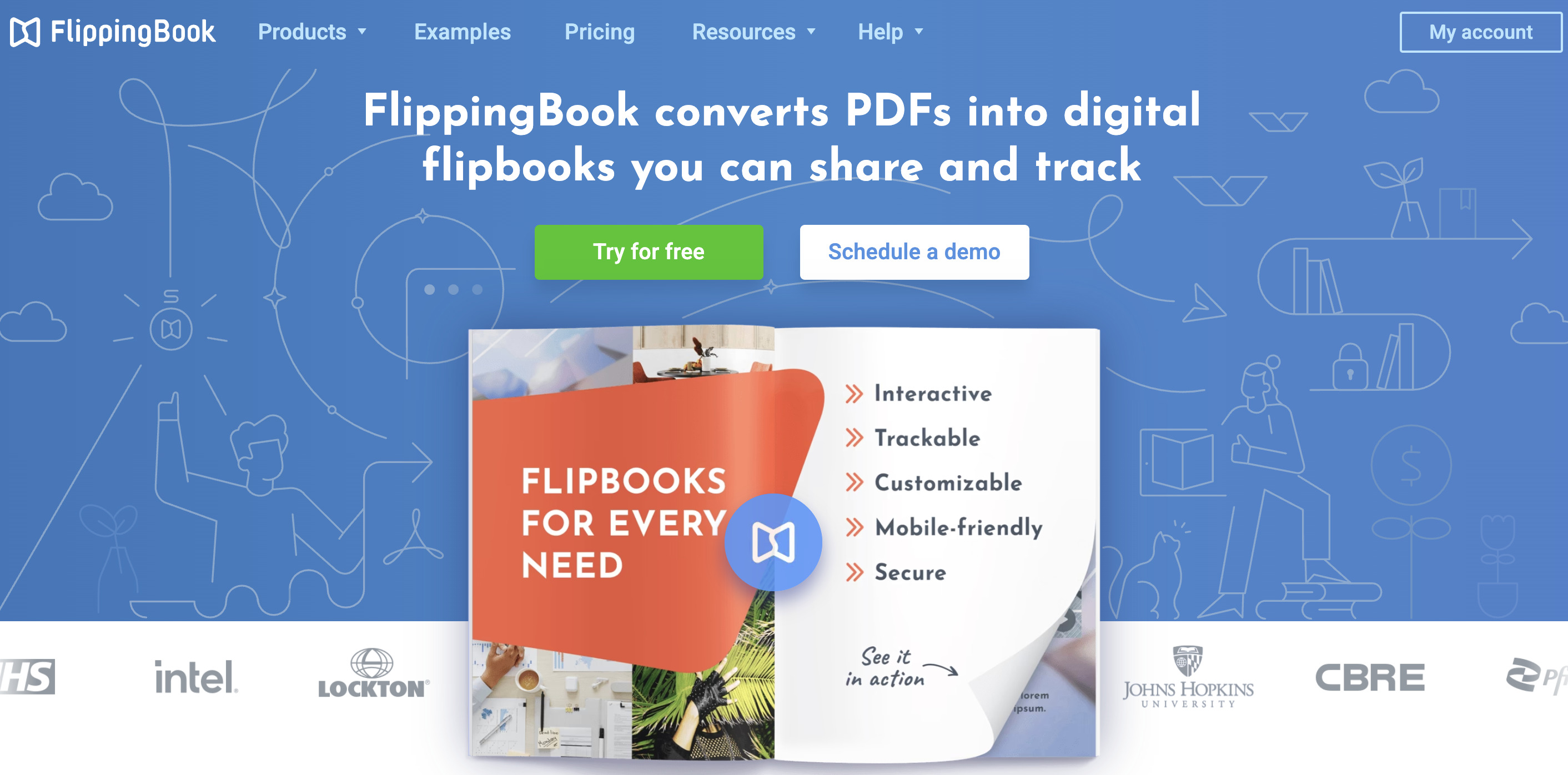
FlippingBook is the strongest recommendation when the document itself is part of the experience. A proposal is not just a file. A sales deck is not just a file. A report sent to prospects, clients, donors, or partners is often doing presentation work as well as information work.
That is where FlippingBook stands out. It works well not only as a presentation layer for externally shared documents, but also as a practical way to organize, host, and control them online. For sales, marketing, and client-facing teams, that can mean:
- PDFs turned into branded, interactive online documents that can be shared as direct links or embedded on a site. Plus, you can present your documents as digital bookshelves, so clients or your team can browse your content as a structured, visual collection.
- Materials stored in a cloud-based library, with private or shared folders that make documents easier to access, organise, and update.
- The ability to update a document under the same link, so readers always see the latest version without you resending a file.
- Content protection options such as password protection, restricted access by email, domain, or single sign-on, protected embeds limited to approved domains, and controls for downloading, printing, or sharing.
- Trackable links and engagement data that show opens, time spent, clicks, and other useful follow-up signals.
See for yourself! Check out this branded digital bookshelf.
A simple way to think about it:
✅ Use a traditional DMS when control and internal organization are the main job.
✅ Use workflow software when documents need to move through defined steps.
✅ Use secure sharing software when access control is the priority.
✅ Use FlippingBook when the document needs to look better, travel better, and tell you how it performed.
How to Choose the Right Tool
If you are evaluating document management tools, start with the job the document needs to do.
First, look at document type. Are you dealing with contracts, records, invoices, policies, sales collateral, reports, or onboarding packs? Different document types create different priorities.
Next, ask whether the use case is internal or external. Internal document systems usually lean toward control, search, and process. External documents often need smooth access, strong presentation, and sharing analytics.
Then consider security requirements. Regulated or sensitive content may require stronger governance, permissions, and retention controls.
After that, think about workflow complexity. If the same approval path happens every week, automation deserves serious weight in the buying decision.
Finally, consider visibility. If you only need to know that a file exists and is compliant, one category of tool will do. If you need to know whether someone opened, viewed, or clicked through a document, you need a different kind of platform.
In other words, do not ask which tool is best in the abstract. Ask which tool is best for the document journey you actually have.
FAQ: Digital Document Management Tools
1. What is document management?
Document management is the process of storing, organizing, controlling, retrieving, sharing, and sometimes automating documents across their lifecycle. The software category is broad because businesses handle documents in different ways.
2. What is the difference between document management software and document workflow automation?
Document management software is usually centered on storage, control, retrieval, permissions, and versioning. Document workflow automation focuses on moving files through repeatable steps such as approvals, reviews, routing, and retention.
3. What features matter most in secure document sharing software?
Look for permission controls, password protection, expiration settings, version history, and a clean user experience. If the people receiving files are outside your organization, ease of access matters almost as much as security.
4. When should I use an interactive document tool instead of a standard DMS?
Use an interactive document tool when presentation, external sharing, and reader engagement are central to the job. This is common with proposals, brochures, reports, sales collateral, and other client-facing content. A standard DMS may store those assets well, but it usually is not designed to make them more engaging or more measurable.
The Right Document Tool Makes the Difference
The best digital document management tools do not all look the same because they solve different problems.
Some help you control internal information. Some help you automate process. Some help you share securely. And some help you turn outward-facing documents into better online experiences.
That last category deserves more attention than it usually gets. Businesses do not only manage documents for compliance and storage. They also use documents to sell, explain, persuade, report, and build trust. When those documents are being shared with clients or prospects, format and visibility matter.
That is why FlippingBook belongs in this conversation. It is not the tool you pick to run your entire internal repository. It is the tool you pick when you want proposals, reports, brochures, and other externally shared documents to look better, stay easy to update, remain more secure online, and give you clearer visibility into how they perform.
Author's bio