Imagine this: you've made a picture-perfect PDF file and are looking for ways to share it with the world. Email attachments clog inboxes and are nearly impossible to track. Printed copies are costly, static, and outdated the moment something changes. So how do you share your content instantly, effortlessly, and without blowing your budget?
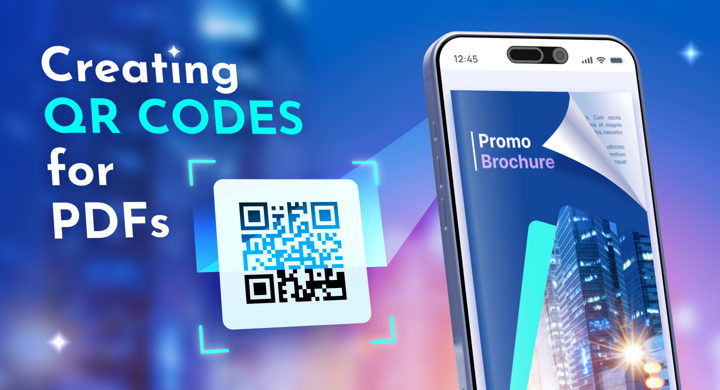
Enter QR codes. They bridge the physical and digital worlds, giving readers instant access to your PDF with a single scan. In this guide, you’ll learn how to create a QR code for a PDF, smart ways to use QR codes in different industries, and practical tips to make them work harder for your content.
What Is a QR Code
A QR, or a Quick Response code, is a type of two-dimensional barcode that can store various types of information, such as text, a phone number, or a URL. QR codes typically look like a pattern of black squares on a white background. When scanned with a dedicated reader or a regular camera on a mobile device, they instantly provide access to the encoded content.
💡 Fun fact: some say that the design of QR codes was modeled after the black and white pieces of Go, a board game popular across Asia. The resemblance is there, but QR codes were most likely just an answer to a rising demand in logistics. Traditional barcodes—the ones we still see everyday in grocery stores—couldn't carry a lot of data and took longer to scan. So the idea was to add another dimension to the parallel lines of 1D codes, and store information both horizontally and vertically.
QR codes have come a long way from their plain black-and-white origins. Today, you can color them to match your brand or even place a small logo right in the center—turning a simple square into a tiny piece of visual identity.
But no matter how stylish they look, QR codes don’t store PDFs directly. So you’ll need to put the file online first, and the code will reflect its location.
💡 To get a link to your PDF, convert it to a digital format—a flipbook, for example, or upload the document to a cloud storage. Most QR code generators do this for you behind the scenes: they upload your file, create a link, and turn that link into the scannable code your audience can use.
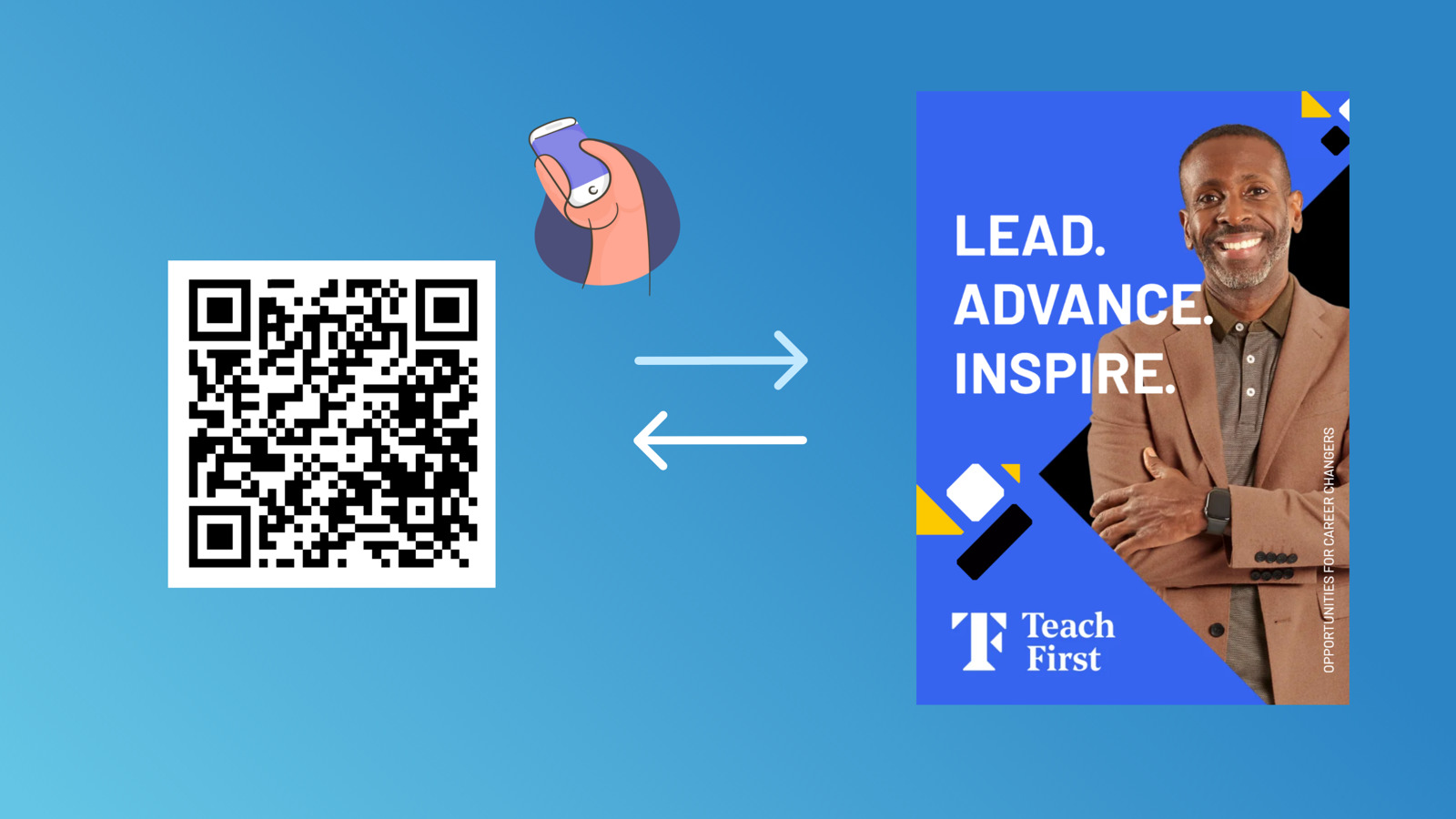
A PDF to QR code made with FlippingBook.
QR Code Types
QR codes belong to the 2D code family, which also includes data matrix codes. They look similar, but data matrix codes lack the three corner squares and are more compact. Designed for serial numbers and inventory tracking, they withstand harsh conditions and constant movement. PDFs don’t need that level of durability, so standard QR codes are usually the best choice.
2D codes come in two types: static and dynamic.
- Static QR codes contain fixed information. Once generated, you can’t change the destination. If the URL is wrong or becomes outdated, you’ll need to create a new code, and any printed materials with the old one won’t work anymore.
- Dynamic QR codes let you update the linked content without changing the code itself. They’re ideal for physical marketing because you can adjust the URL anytime, saving both time and printing costs. They can also track scan data (device, time, and location), helping you measure campaign performance.
PDF QR Codes: Who’s Using Them and How
According to Statista, the number of US smartphone users scanning a QR code will rise from 83.4 million in 2022 to an estimated 100 million by 2025. No wonder: QR codes are convenient both for the business and the customer, they ensure online and offline security, and they're small enough to fit anywhere. QR codes, specifically those carrying PDFs, have proven their value across numerous industries:
- Marketing. QR codes add another dimension to flyers or leaflets, making them more engaging and worth the printing costs. They can also act as an independent content distribution channel for digital brochures, e-books, guides, and reports.
- Hospitality. Restaurants and cafés have embraced QR codes as the new normal, while hotels and rentals use them to show check-in details, rule books, or travel suggestions to their guests.
- Retail. Packages or in-store displays are perfect places for QR codes and the guides or interactive product catalogs encoded in them.
- Construction. QR codes that lead to PDFs with safety guidelines or maintenance plans would be appropriate for construction sites.
- Education. Teachers create QR codes for classroom posters or bulletin boards to give students easy access to educational materials.
- Automotive. Besides being widespread in logistics, QR codes can be put inside cars or on motorcycles for drivers to always have the necessary maintenance information and manuals on hand.
- Healthcare. Hospitals and clinics may place QR codes with PDFs in waiting rooms or on their patient care pamphlets.
💡 Check out our blog post on how to use QR codes in business.
Step-by-Step Guide—Generate a QR Code in FlippingBook
FlippingBook is an online content management platform that turns PDFs into interactive flipbooks, or digital HTML5 publications. It provides a built-in dynamic QR code generator: once you upload the file, you can get the code for it straight away.
#1 Sign up for a free trial. Navigate to the sign-up page, provide your email address and create a password, or sign up with Google.
#2 Upload your PDF. Upload the file and wait for it to convert—it shouldn't take longer than a couple of minutes, depending on the PDF size.
#3 (optional) Enhance your new flipbook. Give your content the look that will resemble your brand: add a logo, a favicon, and a neat background. Embed interactive elements like videos, pop-up images, and animated GIFs. For lengthy PDFs, include internal links for easier navigation. Top it off with a CTA button or a customizable lead form, and turn your PDF into a valuable tool for lead generation.
#4 Choose a QR code among the sharing options. Click Share next to your flipbook and choose the QR code icon. You can then change its desired size and download your code as a PNG file.
#5 Share the QR code. Place it on printed materials like flyers, business cards, or ads. Display it on your website or add it to your email signature. Include it on packaging, receipts, and in-store or office displays. Possibilities are endless: share it any way you prefer.
More benefits of FlippingBook to empower your documents
- You can now share your PDF not just via QR codes, but as a direct link, a preview for social media, a trackable link, or a website embed.
- While a PDF can look clunky on different screens, flipbooks are optimized for mobile devices. They save your readers time and device storage on downloads.
- Flipbooks are dynamic in nature: you can update the underlying PDF as many times as you need—it will always stay under the same link. So the QR code you generate and possibly print will instantly reflect any changes you make to the file.
- In terms of document analytics, flipbooks go beyond the capabilities of PDF tracking. Same as with dynamic QR codes, you'll know what devices scanned the code and when. On top of that, advanced metrics like time spent, page views, link clicks, geo, and devices will be at your fingertips.
- If you want your audience to really engage with the document, and not just scan, scroll, and forget all about it, QR codes alone won't help. Unlike static PDFs, flipbooks engage the reader: you can enhance the pages with videos, GIFs, pop-up image galleries, and forms & quizzes, and add a touch of branding on top. Take a look:
Other Tools–If You Only Need a Quick QR Code
You can use quick generators like Canva, Adobe Express, QR.io or Scanova to link a PDF via QR code.
These are fine for one-off links—but if you need branded, trackable content that comes with built-in QR codes, FlippingBook gives you that and even more.
FAQ: QR Codes
1. Why won’t my QR code scan?
Usually it’s a visibility issue—the code might be too small, low-contrast, or printed poorly. Make sure it’s big enough, clear, and in a well-lit spot for scanning.
2. Can I change the PDF link after printing?
Only if you use a dynamic QR code. Static codes are set in stone—once printed, they can’t be updated. Dynamic ones let you swap links anytime, saving you from reprinting.
3. Should I link straight to a PDF or make a flipbook?
Sure, direct links work—but flipbooks make your PDFs come alive. They’re interactive, mobile-friendly, and more fun to read, plus they help you track engagement. Basically, flipbooks turn your PDF into a marketing superstar.
Your Next Step: Smarter, Simpler PDF Sharing
QR codes simplify PDF sharing for everyday users: instead of typing out a URL, all it takes is a quick scan with a smartphone camera. For businesses, this innovative way of distributing documents offers security and convenience, and supplies more traffic and exposure. When deciding on a tool to create a QR code for your PDF, make sure it lets you update the linked content even after generating the code. And look into alternative digital formats for your PDF to maximize your marketing or sales efforts.