When evaluating a new product, prospects need to know as much as possible about it. Yet many companies offer little more than feature lists or generic web pages that don't answer the main question: “How does it actually work?”
What if a prospect asks for a demo or a sales rep needs to record a product walkthrough? Buyers may want to familiarize themselves with the software before making a decision. Each situation requires a different approach.
Sales demo tools make it easier to choose and deliver the right format. They give businesses different ways to present their software, from recorded walkthroughs and guided presentations to interactive demos that let potential buyers explore features and workflows at their own pace.
In this guide, we'll explore the best sales demo tools, their main benefits, and best practices.
What Is Sales Demo Software?
Sales demo software helps businesses showcase their products to potential customers in a clear, engaging way. It can be useful for all kinds of projects where teams need to make the most of limited resources and demonstrate their solutions effectively. Depending on the tool, it can support live product demos, prerecorded videos, dynamic sales presentations, or interactive demos.
By giving potential customers a closer look at how a product works and highlighting its key features and benefits, sales demo software can make the buying process more engaging and ultimately improve conversion rates.
What to Look for in a Sales Demo Tool?
When evaluating sales demo software, consider how well each tool fits your sales process, integrates with your existing tech stack, and helps your team deliver secure and effective demos. Use the following checklist to find the best fit for your business.
✅ Integrations
Product demos are an important part of the sales cycle, so your demo software should work seamlessly with the tools your team already uses. Look for integrations with your CRM, marketing automation platform, communication tools, and other software in your sales stack. The easier it is to incorporate demos into your existing workflows, the less manual work you will have to do.
✅ Ease of use
Sales reps and marketers already work with multiple tools every day, so adding software with a steep learning curve can slow the work down. Choose a sales demo platform with an intuitive interface that makes it easy to create and share demos without extensive training. This is especially important when you need to adapt a demo for a specific prospect or quickly create one for a new product feature.
✅ Data protection
Sales demos can contain sensitive information, customer data, or details discussed during a sales process. Make sure the platform provides strong security controls to protect your content and control who can access it, while also meeting data privacy requirements. Depending on your needs, look for features such as password protection, expiring links, and content protection.
✅ Branding and customization
A sales demo is another touchpoint between your brand and a potential customer, so it should feel consistent with your overall brand experience. The tool should have customization options that let you add your logo, brand colors, or other visual elements. A branded demo helps reinforce trust throughout the sales process.
✅ Personalization
Not every prospect needs to see the same demo. Personalization features allow sales reps to tailor the content to the specific industry, use case, or stage in the buying journey. Look for options such as custom flows, dynamic content, personalized links, or branding if you want to make demos more relevant.
✅ Analytics
A good sales demo tool should show you how potential buyers interact with your content. Analytics can reveal whether someone opened a demo, which sections they explored, and how much time they spent on each one. These insights help sales reps understand which information interested viewers the most to guide their follow-up.
✅ Customer support
Technical issues can happen at the worst possible time—especially when you're preparing for an important sales call. Reliable customer support can help your team quickly resolve problems and avoid disrupting a demo. Before choosing a platform, check what support options it offers, including live chat, email, phone support, and response times.
4 Types of Sales Demo Software
Sales demo software generally falls into four categories:
- Live demo.
- Screen recording.
- Interactive demo.
- Sandbox product tours.
Each type offers a different way to showcase your solution, from real-time presentations to fully immersive experiences.
🖥️ Live demo software
Best for: In-person or virtual sales meetings
Live demo software works well for complex products that require explanation and guidance. It allows sales reps to demonstrate different aspects of its interface and answer questions in real time. These tools typically include features such as screen sharing, speaker notes, and whiteboards to support communication with prospects.
💻 Screen recording tools
Best for: Video demos that prospects can watch on their own time
Screen recording tools allow you to capture all or part of your screen, often with a browser extension, and record your webcam at the same time. They make it easy to create and share video demos that customers can watch at their convenience. These demos can be distributed through multiple channels, including email, websites, and social media.
🔮 Interactive demo software
Best for: Self-guided, clickable walkthroughs
Interactive demo software lets you turn product workflows into a clickable, guided tour rather than linear videos. Sales teams can capture key features and create guided walkthroughs for prospects to explore independently. They can navigate it at their own pace, creating a more engaging and hands-on experience.
⌨️ Sandbox product tours
Best for: Complex solutions that require exploration
Sandbox tours provide a responsive version or product replica that they can explore without affecting your live environment or backend data. This is typically the most complex and resource-intensive type of sales demo software, but it can provide the closest experience to actually using the product. Users can test advanced functionality, such as chatbots, widgets, and other features, before making a purchase.
10 Best Sales Demo Software
We've selected 10 demo tools that cover different formats and use cases. Some specialize in one particular type of demo, such as creating a product replica or sandbox environment. Others offer more flexibility and allow teams to create different types of demos within one platform.
For each tool, you'll find an overview, key features, pros and cons, pricing, and a G2 rating to help you learn more about its strengths and limitations. Start with the comparison table below for a quick overview, then explore the individual reviews to find the option that best fits your needs.
| Tool | Best for | Key feature | Pricing |
| Zoom | Live demos | Screen sharing and live presentations | Free plan; paid plans from $16.99/month |
| Navattic | Dynamic demos | No-code, self-guided demos | Free plan; paid plans from $150/month |
| Demoboost | Personalized sales demos | Interactive demos with personalization and analytics | $375/month |
| Loom | Recorded demos | Quick screen recording with video and voice | Free plan; paid plans from $18/month |
| Consensus | Buyer-focused demos | Demos with AI-powered buyer insights | $600/month |
| Storylane | Interactive demos | No-code demos with personalization and analytics | Free plan; paid plans from $50/month |
| Walnut | Immersive sales demos | No-code demo creation with advanced customization | $575/month |
| Supademo | How-to demos and onboarding | Step-by-step product walkthroughs | Free plan; paid plans from $50/month |
| Reprise | Sandbox demos | Product replicas and sandbox experiences | Custom pricing |
| FlippingBook | Interactive sales collateral | Trackable and dynamic sales presentations | $26/month |
#1 Zoom
Best for: Live demos and sales presentations
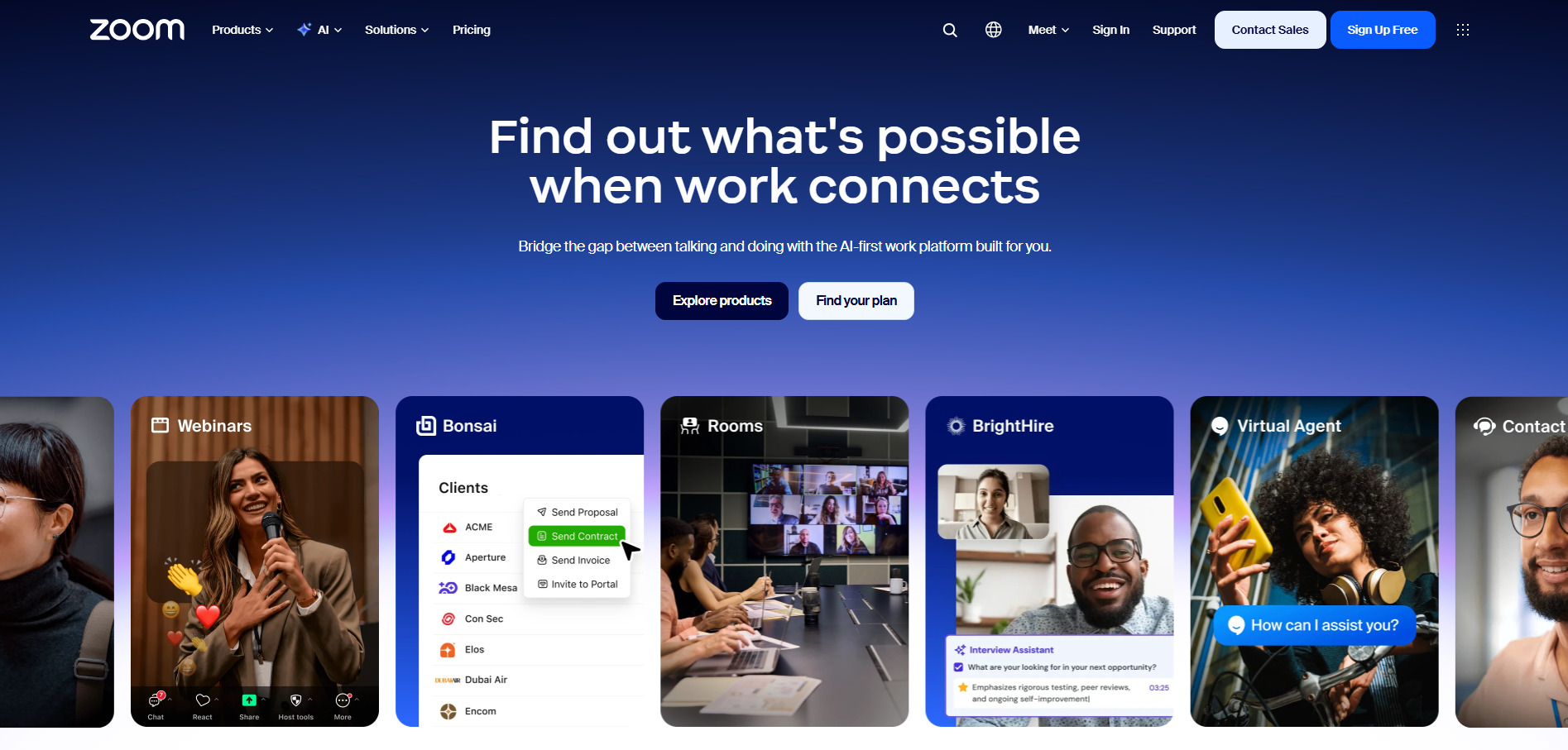
Zoom is best known as a video conferencing platform, but it also works well for live demonstrations. Its screen-sharing feature lets sales reps walk prospects through a product in real time, demonstrate specific features, and answer questions as they come up. The tool also supports prerecorded and on-demand demos through its video tools.
Key features:
- Screen sharing for live presentation.
- Meeting recording.
- Video and audio conferencing.
- Sales-focused video management.
- Access controls and meeting security features.
Pros:
- Easy to use and familiar to many users.
- Great for live demonstrations.
- Let sales reps answer questions and adapt the demo in real time.
- Strong security and access controls.
Limitations: Not designed specifically for creating self-guided demos.
G2 rating: 4.6/5
Pricing: Zoom offers a free plan; paid plans start from $16.99 per user/month.
#2 Navattic
Best for: Dynamic demos
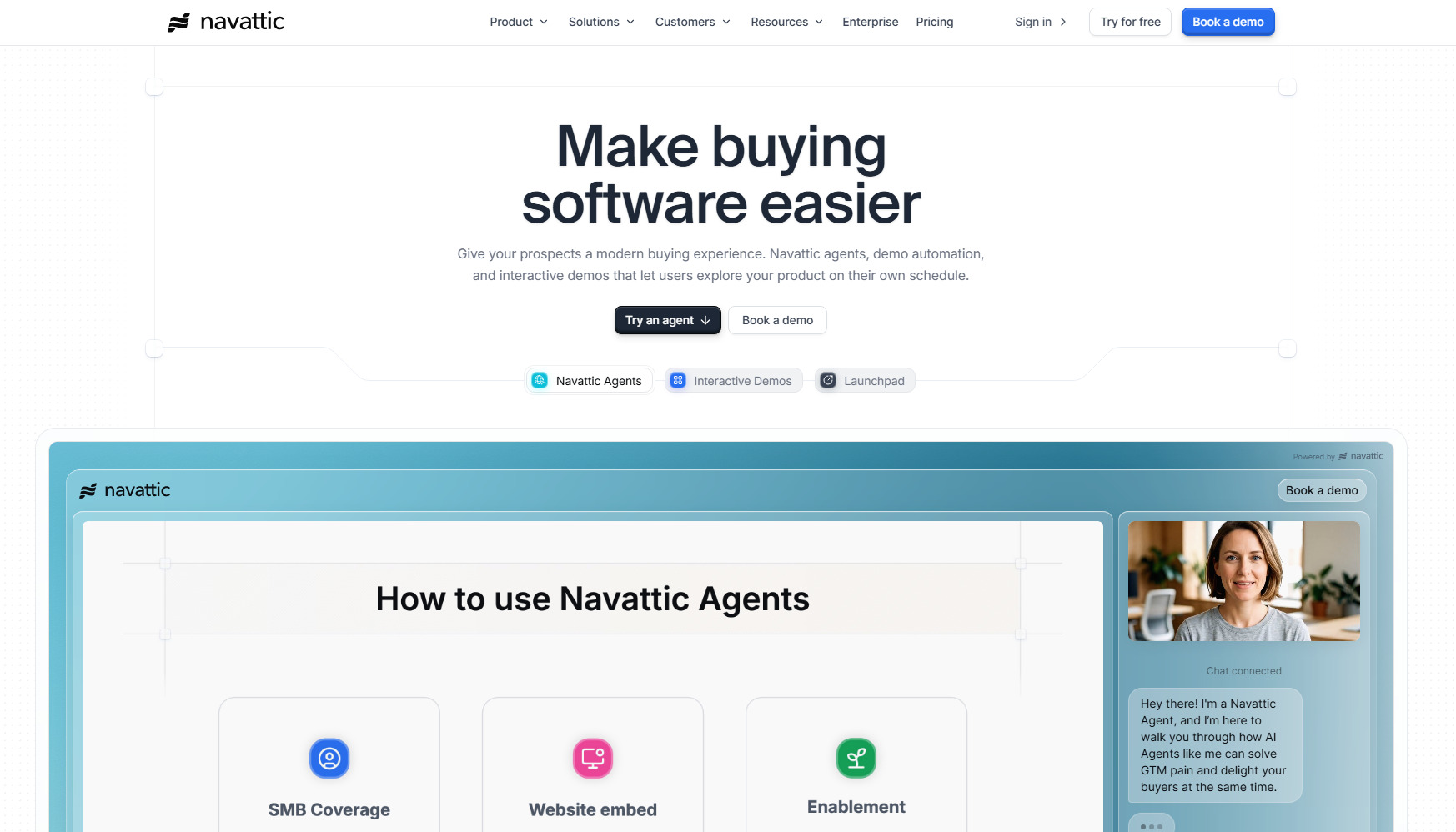
Navattic is an interactive product demo platform that lets teams create no-code, self-guided demos of their software. You can embed demos on websites and send them directly to potential buyers. Navattic also provides a Chrome extension to record your screen while you work with the product and record a demo.
Key features:
- No-code demo builder.
- Chrome extension for capturing web applications.
- Powered by AI Copilot.
- Demo personalization.
- Website embeds.
Pros:
- Multiple personalization options.
- Analytics on demo engagement.
- Easy demo sharing.
Limitations: Managing large demo libraries requires discipline.
G2 rating: 4.8/5
Pricing: Navattic has a free plan; paid plans start from $150/month per user.
#3 Demoboost
Best for: Clickable walk-through demos
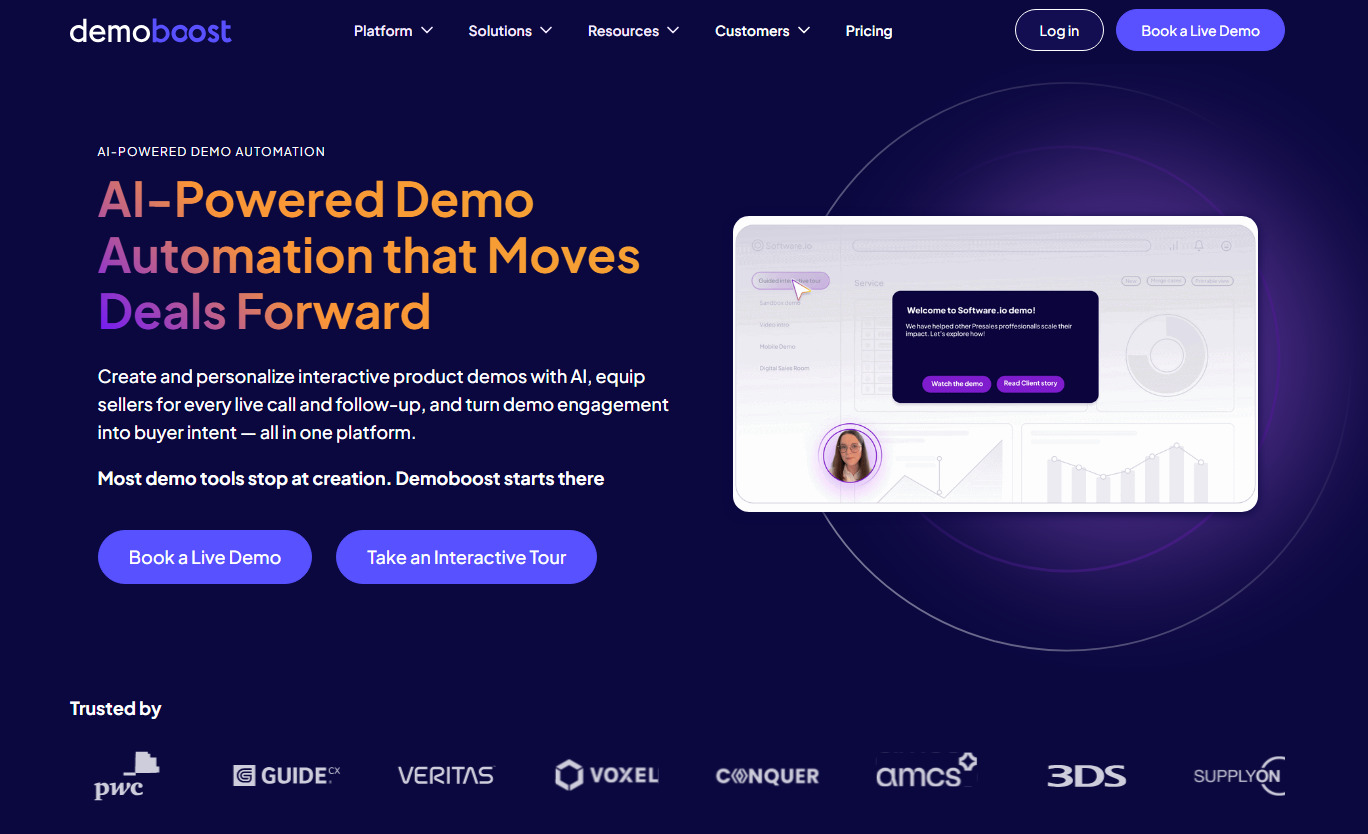
Demoboost is an all-in-one demo automation platform. It helps teams create engaging and visual demos, scale them across the buyer journey, and turn engagement into buyer intent signals. Demoboost supports interactive, sandbox, and mobile demos.
Key features:
- Product walkthroughs.
- Sandbox environments.
- Digital sales rooms.
- Viewer-level activity tracking.
- Integrations with Google Analytics and Mixpanel.
Pros:
- Supports both simple and deep-dive demo scenarios.
- Enables overlays for live environments with minimal effort.
- Showcases more complicated features, like chatbots and widgets.
- Offers a digital sales room with tailored content for each stakeholder in the sales cycle.
Limitations: Lack of clear guidance for setting up automated workflows.
G2 rating: 4.8/5
Pricing: Demoboost is available only for yearly billing; plans start from $375/month per 2 users.
#4 Loom
Best for: Screen-recorded demos
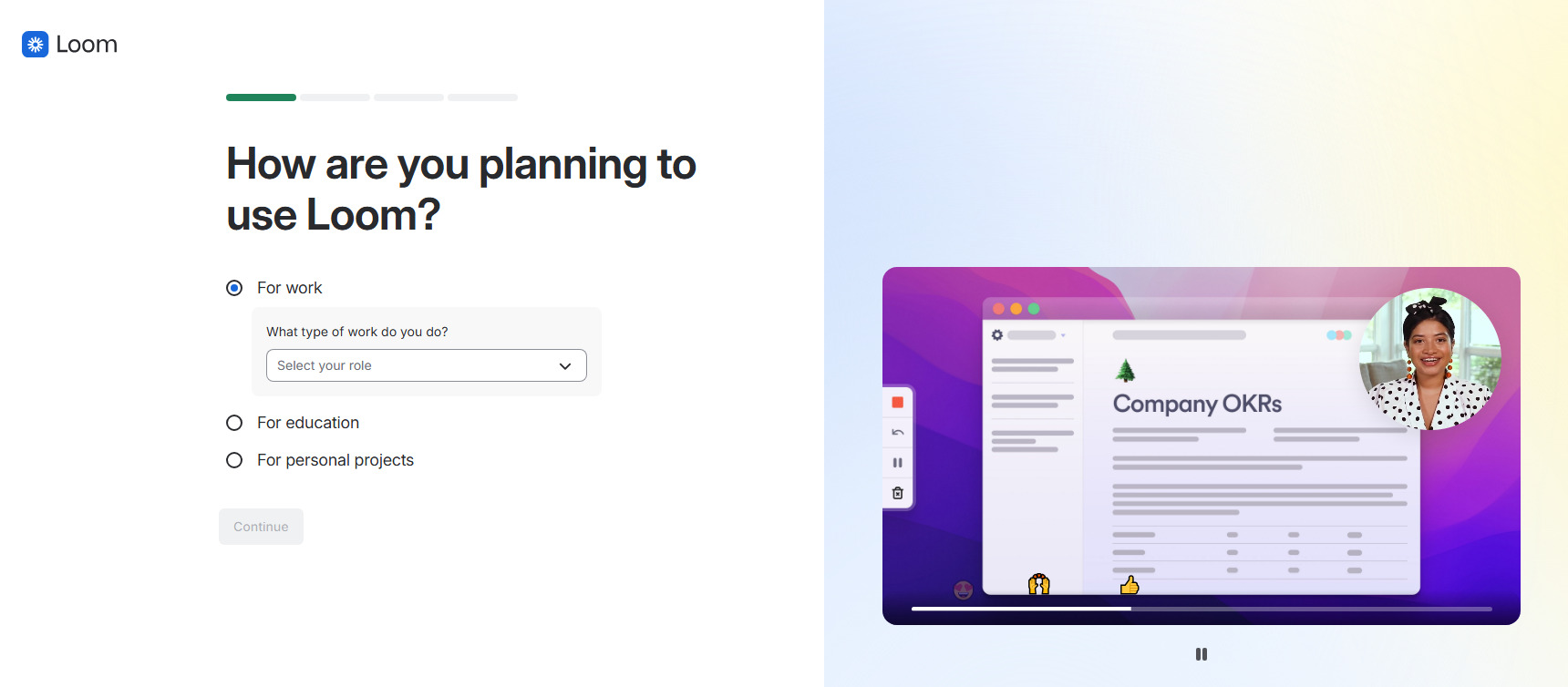
Loom is a powerful screen recording tool by Atlassian. It allows users to create video demos, edit them, and use analytics. Sales teams can record a video of themselves and add it to product demos, making the demos feel more authentic and personalized.
Key features:
- Screen and webcam recording.
- Easy video sharing and embedding.
- Adding CTA buttons and emojis to the video.
- Video analytics.
- Third-party integrations.
Pros:
- Simple learning curve.
- AI-powered features.
- Available on desktop, mobile devices, and web.
- Video privacy controls.
Limitations: Options for adding CTAs and interactive elements are very simple and limited.
G2 rating: 4.7/5
Pricing: Loom has a free plan; paid plans start from $18/month per user.
#5 Consensus
Best for: Automating demos with personalized video and click-through flows
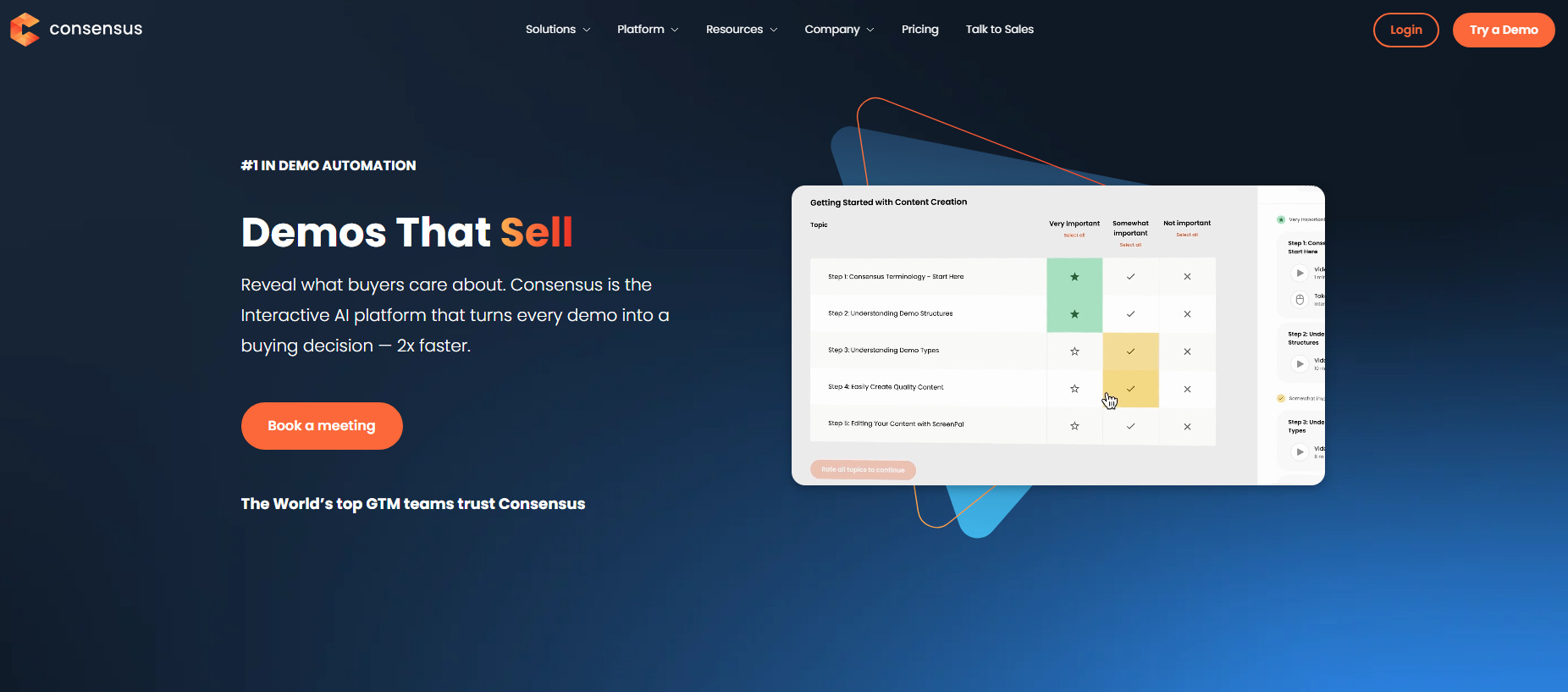
Consensus is a demo automation platform that combines video, clickable product tours, and AI to create personalized guides. Instead of relying on a sales rep to walk every prospect through the same presentation, Consensus lets buyers explore relevant information on their own while the platform collects engagement data. It also provides tools for creating personalized sales links and AI-powered video content.
Key features:
- Interactive tours.
- Personalized video demos.
- AI-powered content creation.
- Personalized sales links.
- Demo analytics.
Pros:
- Combines video and guided demos.
- Helps automate parts of the sales demo process.
- Personalization options for different customers and use cases.
- Provides buyer engagement insights.
Limitations: The platform has a steep learning curve to unlock its full potential.
G2 rating: 4.7/5
Pricing: Consensus starts at $600/month.
#6 Storylane
Best for: Creating interactive demos without code
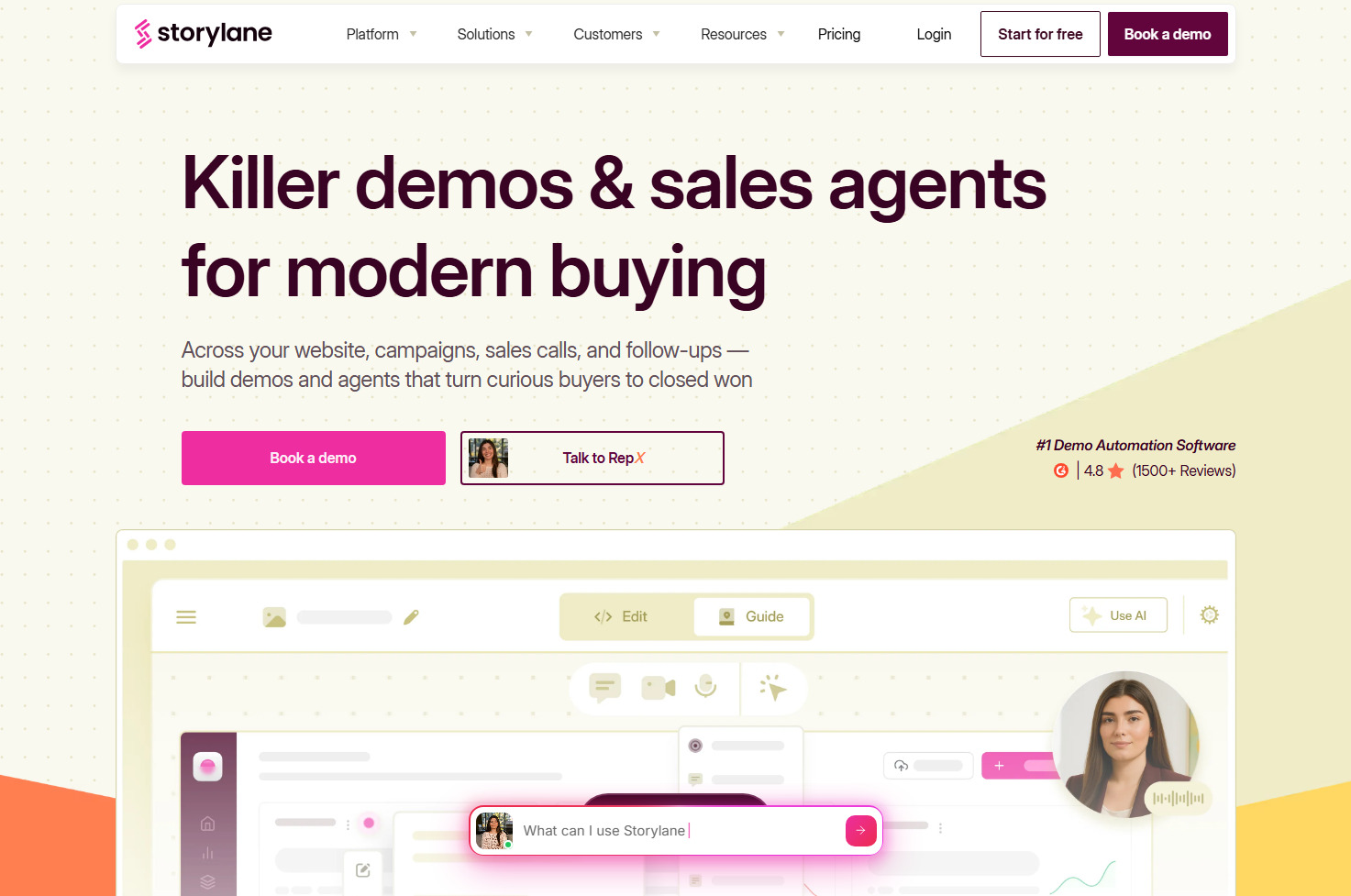
Storylane is a sales demo platform that creates guided product walkthroughs from screenshots, videos, or HTML captures. You can customize demo content, add guides and CTAs, personalize the user journey with dynamic variables, and share demos through links or website embeds. Storylane also provides analytics to help sales and marketing teams understand how prospects interact with their demos.
Key features:
- No-code demo builder.
- Screenshot, video, and HTML demos.
- AI-powered content creation and editing.
- Personalization with dynamic tokens.
- Interactive guides and CTAs.
Pros:
- Multiple demo formats, including HTML and video.
- AI tools can speed up demo creation.
- Personalization and analytics help tailor demos and track engagement.
- Integrations with CRM and marketing tools.
Limitations: Limited analytics and integrations on the free plan.
G2 rating: 4.7/5
Pricing: Storylane offers a free plan; paid plans start at $50/month per user.
#7 Walnut
Best for: Personalized immersive demos
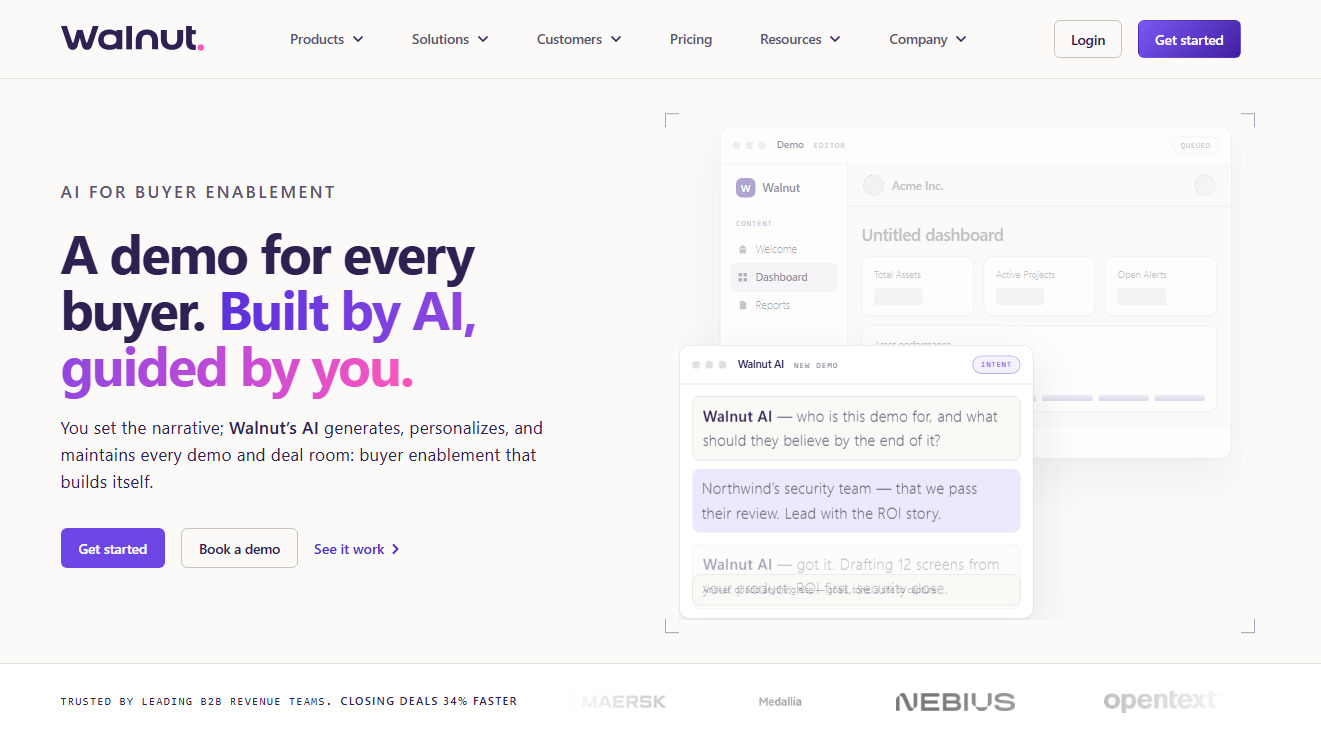
Walnut is an interactive demo platform that helps to create personalized, self-guided product experiences. You can capture your solution, customize its screens and content without code, and tailor demos to individual prospects. Walnut also offers analytics, CRM integrations, and sandbox demos on higher-tier plans, making it useful across different stages of the sales process.
Key features:
- No-code demo builder.
- AI-powered demo creation.
- Personalization.
- CRM and marketing integrations.
- Sandbox demos.
Pros:
- Extensive personalization options for individual customers.
- AI tools can speed up demo creation and editing.
- Supports both guided and more open-ended demo tours.
- Integrates with tools such as Salesforce, HubSpot, Slack, and Zapier.
Limitations: Limited functionality for sandbox or simulation demos compared to other platforms.
G2 rating: 4.5/5
Pricing: Walnut starts at $575/month per 3 users.
#8 Supademo
Best for: How-to demos, onboarding guides, tutorials
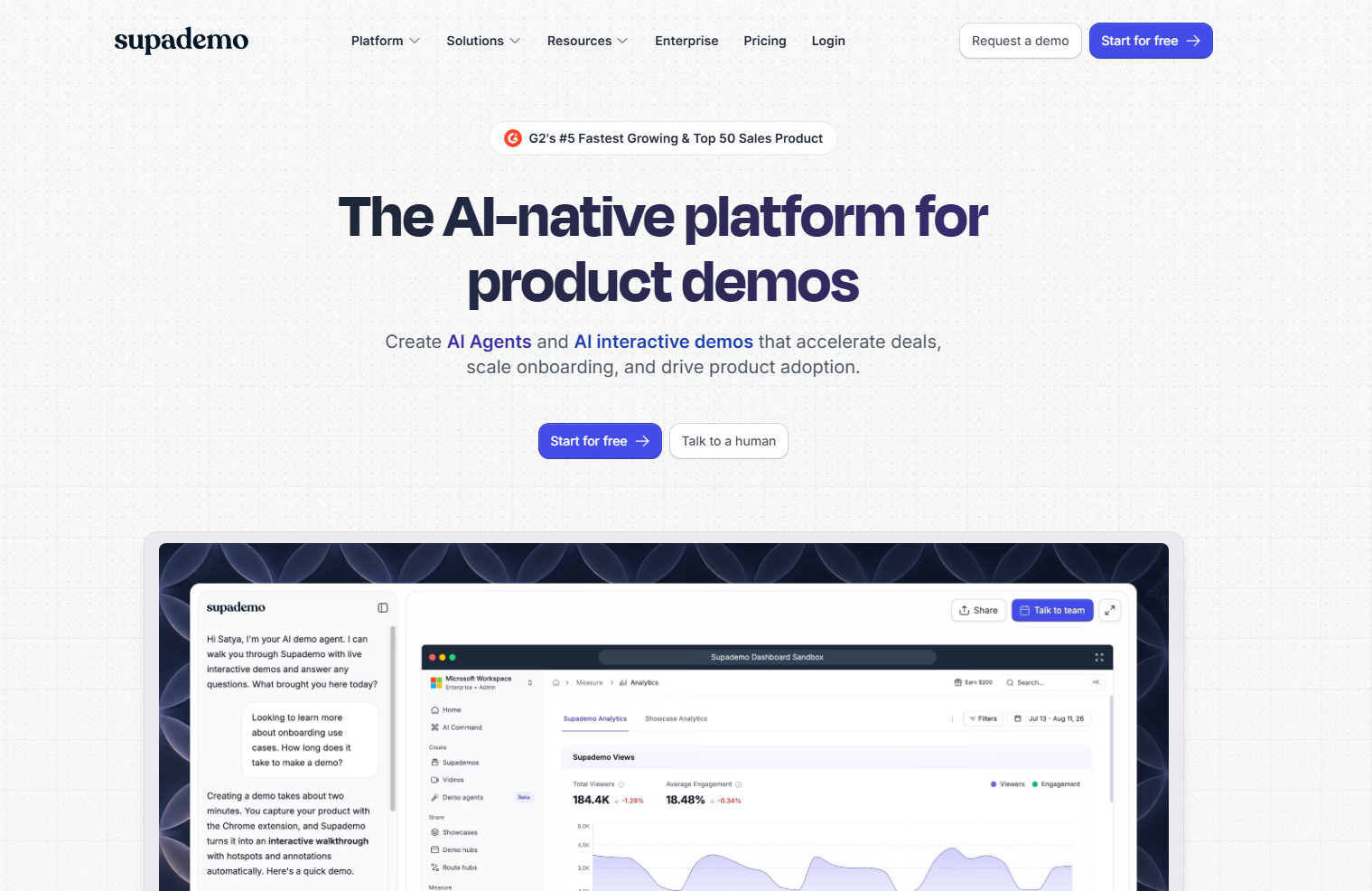
Supademo is an interactive demo platform designed to create a step-by-step, self-guided journey. Its Chrome extension captures clicks and actions as you walk through a product, then automatically generates a first draft of the step descriptions. You can refine the demo with clickable hotspots, annotations, AI-generated text, and voiceovers.
Key features:
- Chrome extension for capturing product workflows.
- AI-generated text and voiceovers.
- Clickable hotspots and annotations.
- Personalization with dynamic variables and conditional branching.
- In-app tours.
Pros:
- Intuitive and quick to learn.
- AI can generate step descriptions and voiceovers.
- Lets you create guided HTML demos.
- Analytics show viewer engagement, completion rates, and drop-off points.
Limitations: Advanced personalization features are available only on higher plans.
G2 Rating: 4.7/5
Pricing: Supademo has a free plan; paid plans start from $50/month per user.
#9 Reprise
Best for: Advanced replicas and sandbox demos
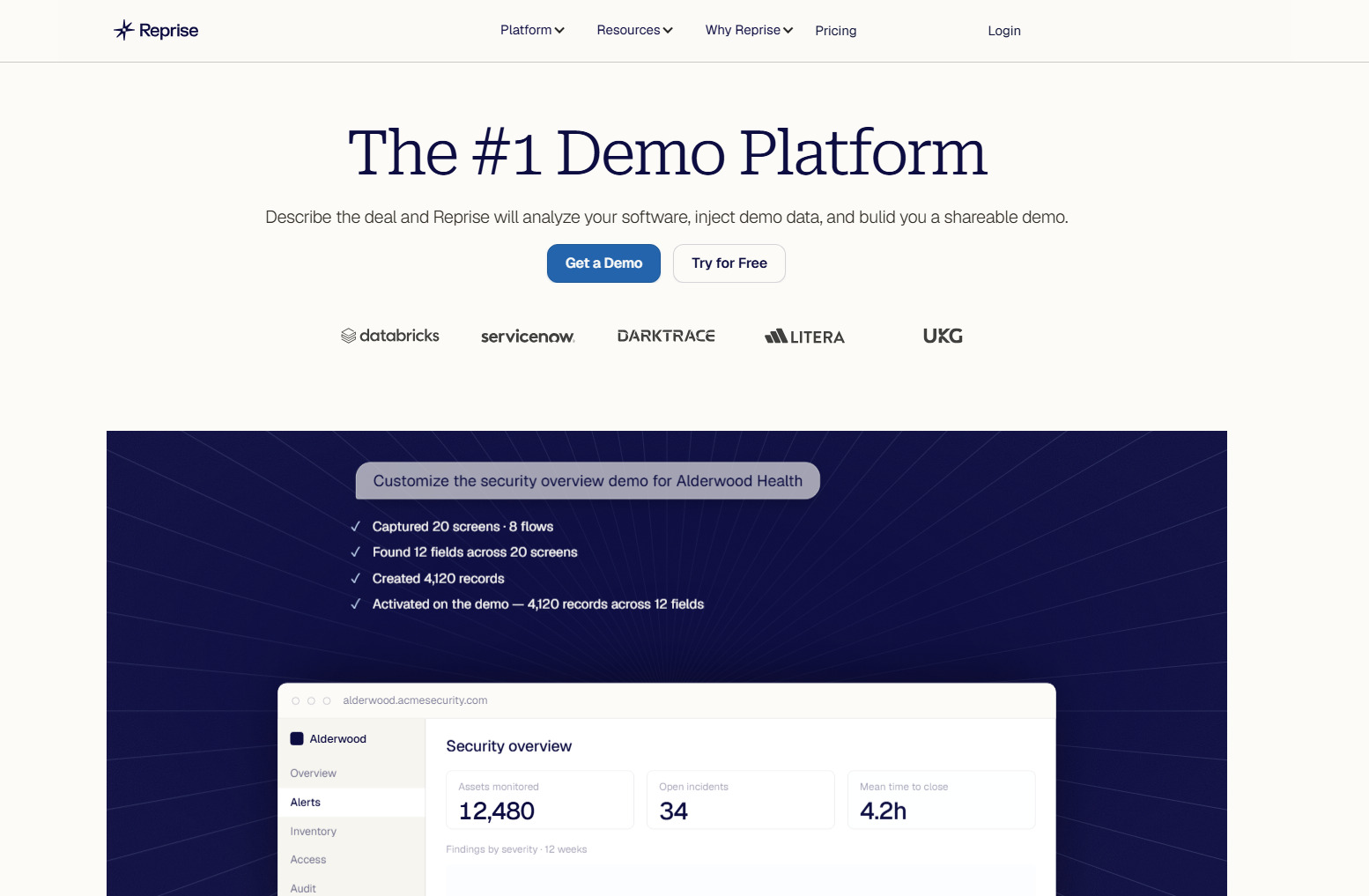
Reprise is a demo creation platform designed for companies that need highly realistic and customizable product demonstrations. It lets users create responsive replicas, guided walkthroughs, and live demo overlays, giving prospects a more hands-on experience than a traditional click-through demo. Reprise is particularly suited to enterprise sales teams that need to create complex demos at scale and tailor them to different people and use cases.
Key features:
- Guided walkthroughs.
- Interactive sandbox environments.
- Live demo overlays.
- Product replicas with customizable data and content.
- Single sign-on (SSO).
Pros:
- Creates highly realistic replicas and sandbox environments.
- Supports multiple demo formats in one platform.
- Extensive customization options for enterprise sales teams.
- Designed to support demo creation and management at scale.
Limitations: Steeper learning curve than simpler sales demo tools.
G2 rating: 4.4/5
Pricing: Custom pricing.
#10 FlippingBook
Best for: Interactive presentations and trackable sales collateral
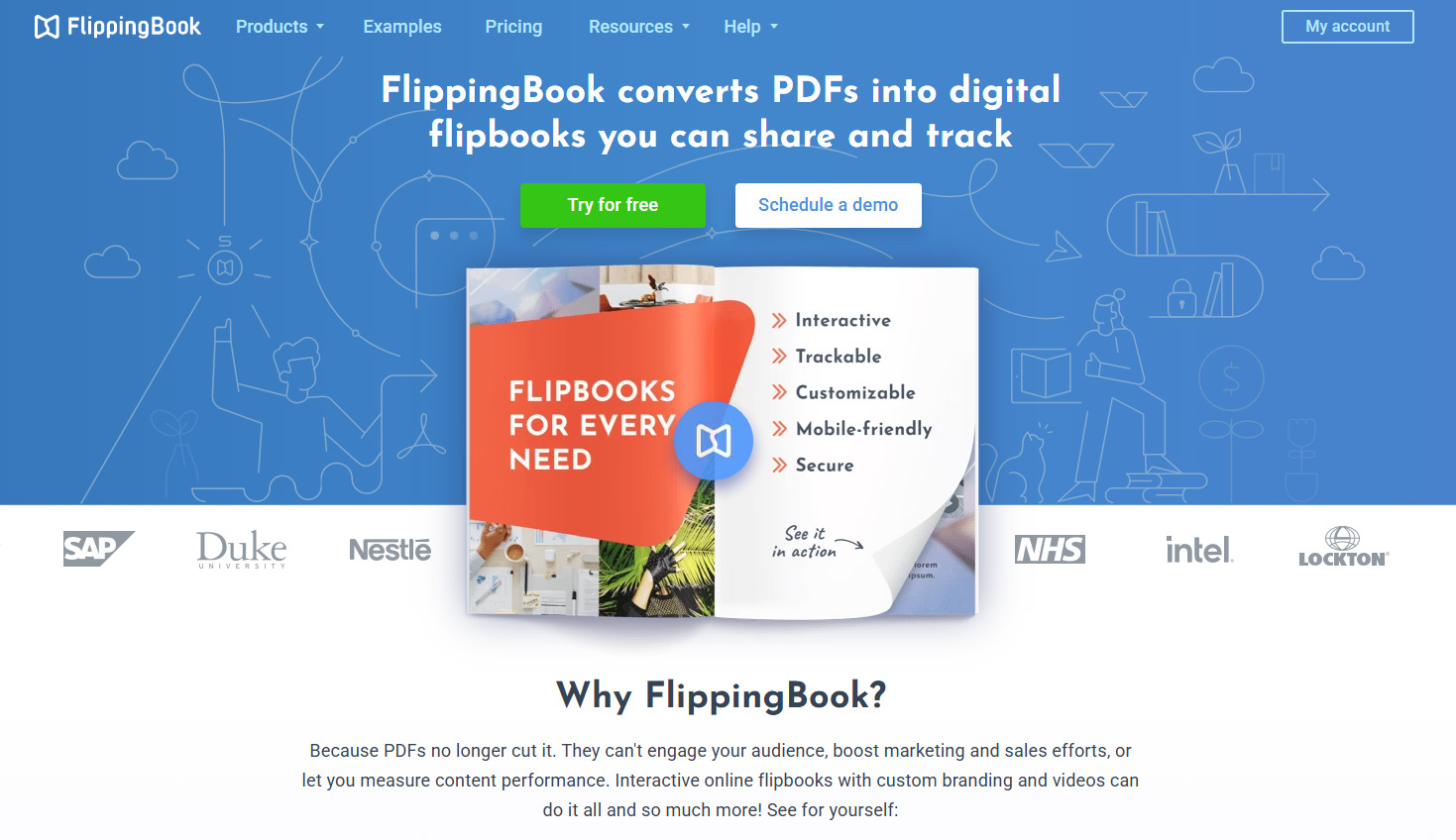
FlippingBook is a digital publishing platform that transforms PDFs into interactive flipbooks. While it’s not a traditional sales demo tool, it can help sales teams create engaging product presentations and sales collateral that support the sales process. FlippingBook is a great way to turn traditional sales collateral into interactive presentations and enrich them with videos, feedback forms, images, CTA links, and other interactive elements.
Key features:
🔷Track prospect activity. Send potential buyers trackable links and receive notifications when they open your content. This allows sales reps to follow up at the right time and tailor their outreach based on how recipients engage with the content.
🔷Measure content engagement. See when your documents were opened and how viewers interacted with them. On the dashboard, you can see which pages they viewed most and where they spent the most time. These insights can help you understand what interests potential buyers and improve your sales collateral.
🔷Create interactive presentations. Add videos, audio, embed feedback forms, include CTA links, and add other clickable elements to your documents. Prospects can explore your product and its key features in a more engaging format than a static PDF.
🔷Organize sales collateral with digital bookshelves. Bring multiple sales materials together in one place and share them through a single link. You can also create separate bookshelves for different solutions, customers, or stages of the sales process and share only the most relevant content.
🔷Protect sensitive content. Control access to your sales materials with options such as password protection, email-based access restrictions, and private embeds. This helps keep confidential or internal content accessible only to the intended audience.
📖Flip through this visually appealing flipbook to see it in action.
- Built-in analytics with 10+ engagement metrics.
- Supports interactive elements such as surveys, forms, videos, GIFs, and pop-up images.
- Team collaboration features.
- Multiple integrations.
Limitations: Requires a ready-made PDF as the starting point for creating a flipbook.
G2 Rating: 4.7/5
Pricing: FlippingBook offers a free 14-day trial with no credit card required. Paid plans start at $26/month.
Go Beyond Simple Demos With Interactive Sales Demo Tools
The role of interactivity continues to grow. People don't want to rely on dull website pages, generic videos, or static PDFs to understand a product. If you want to capture attention, stand out from competitors, and make your sales process more engaging, it's worth embracing more eye-catching ways to showcase your product.
The right format depends on your sales process and audience. Live demos work best when prospects need a personalized walkthrough and the opportunity to ask questions. Recorded videos are useful for sharing quick product overviews, while interactive demos and sandbox environments give buyers more freedom to explore the software at their own pace. Interactive sales collateral can help you present product information alongside videos, links, and other content in one trackable resource.
The key is to choose a format that makes it easier for potential customers to understand your solution and take the next step toward a purchase.