Fall is here, and so is a fresh FlippingBook Publisher release.🍂Version 2026.3 brings new ways to connect your publications with the tools your audience uses and create a smoother, more engaging reading experience. Let’s see what’s new right away!
Google Tag Manager Integration
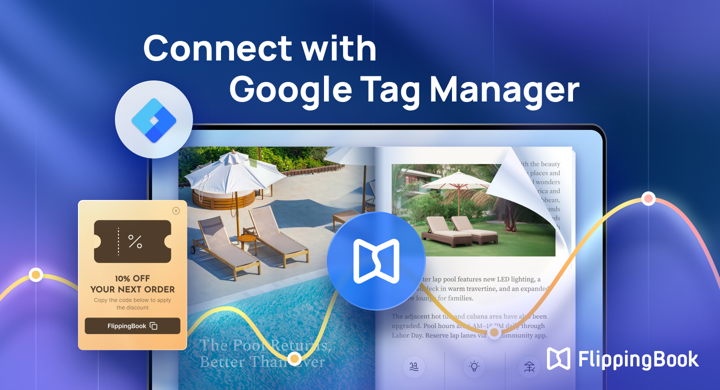
You asked, we delivered: meet Google Tag Manager integration! You can now add a GTM container ID to self-hosted publications and connect your flipbooks with external services, such as chat and booking widgets, feedback forms, interactive maps, and more.
With GTM, you can give readers more ways to interact with your content, whether that’s asking a question, booking a meeting, or sharing feedback.
Please note that publications with GTM IDs can’t be uploaded to FlippingBook Cloud. GTM is available in the Business Edition.
📌GTM doesn’t add the tools to the flipbook pages themselves. Third-party widgets appear alongside your flipbook, giving readers additional ways to interact with your content.
Here are a couple of ideas for using the FlippingBook and GTM integration.
Make it easier to start a conversation
Add a live chat widget to a product catalog, sales presentation, or service brochure so readers can ask questions or get in touch without leaving the page.
Turn interest into a booking
Add a booking widget to a sales proposal, real estate brochure, or event publication and let prospects book a consultation, demo, or meeting right from your flipbook.
Transparent Embed
Want your publication to blend more naturally into your website? Meet transparent mode.
You can now embed publications without a background or surrounding interface elements, creating a cleaner, more seamless reading experience for visitors on desktop devices.
Since this is a new setting, we recommend re-uploading the project for transparent embed to apply correctly.
Forms and Quizzes: New Format
Content Editor now supports forms and quizzes using the forms.cloud.microsoft link format, making it easier to add surveys created with Microsoft Forms.
And more:
- support for multiple Google Analytics IDs in one project
- loop playback for MP4 videos
- a refreshed installer design
That’s it for this release! Download FlippingBook Publisher 2026.3 in the software or your account to test the new features today.